
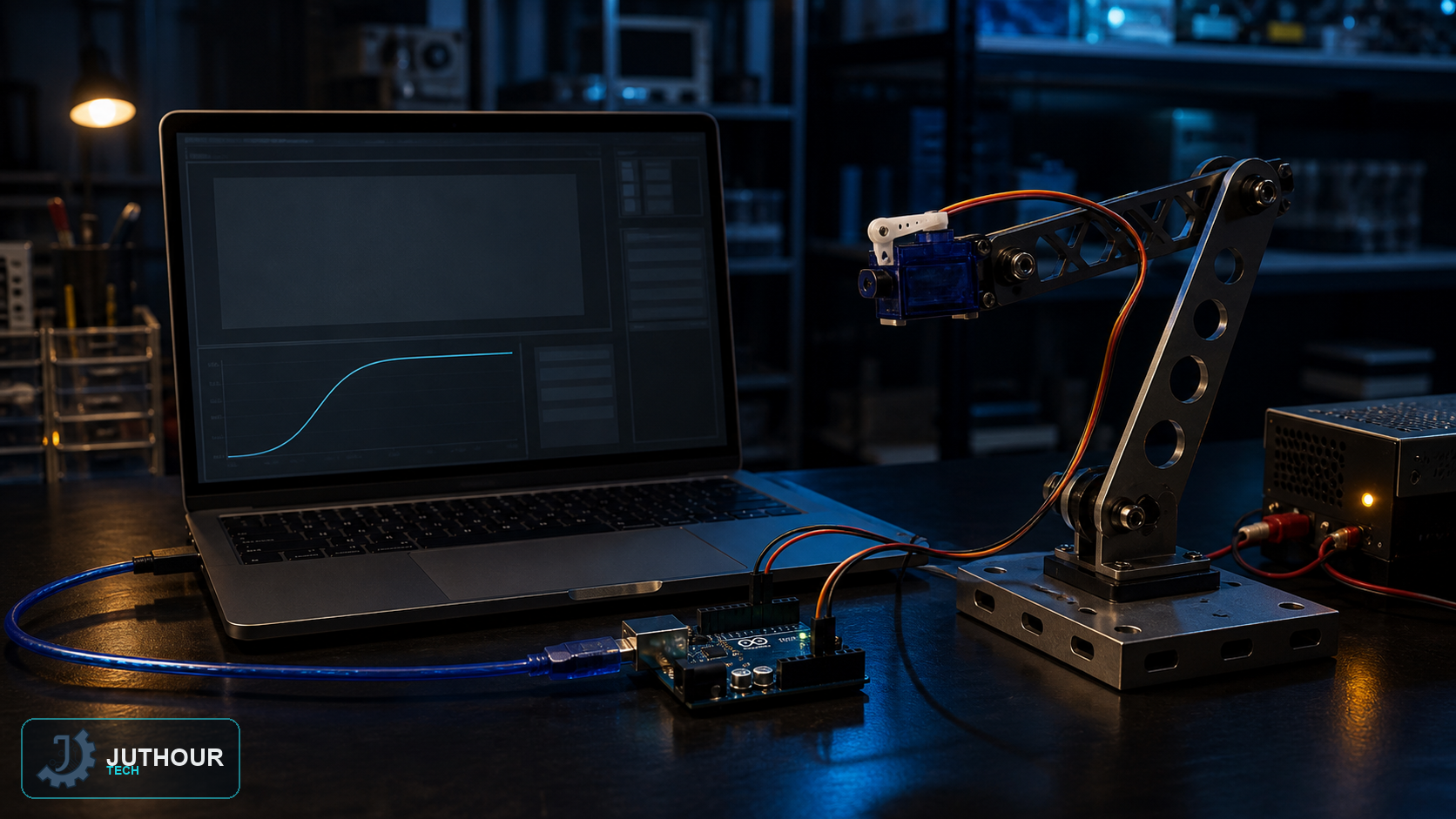
The current MATLAB Support Package for Arduino Hardware can control board I/O and supported peripherals directly from MATLAB with the supported servo interface.
Setup
Install the support package from Add-On Explorer, connect the board, and identify its port and model. Create a connection such as a = arduino("COM4","Uno","Libraries","Servo") after substituting the real values. Older ArduinoIO firmware workflows should not be used for a new setup.
Servo control
Create the object with s = servo(a,"D4"), then call writePosition(s,value) with a value from 0 to 1. Respect the mechanical travel and do not drive the horn against a hard stop.
Power
Use a regulated external supply sized for servo stall current and share ground with the Arduino. Do not power a substantial servo from the board regulator; test movement in small increments.
Leave your comment