
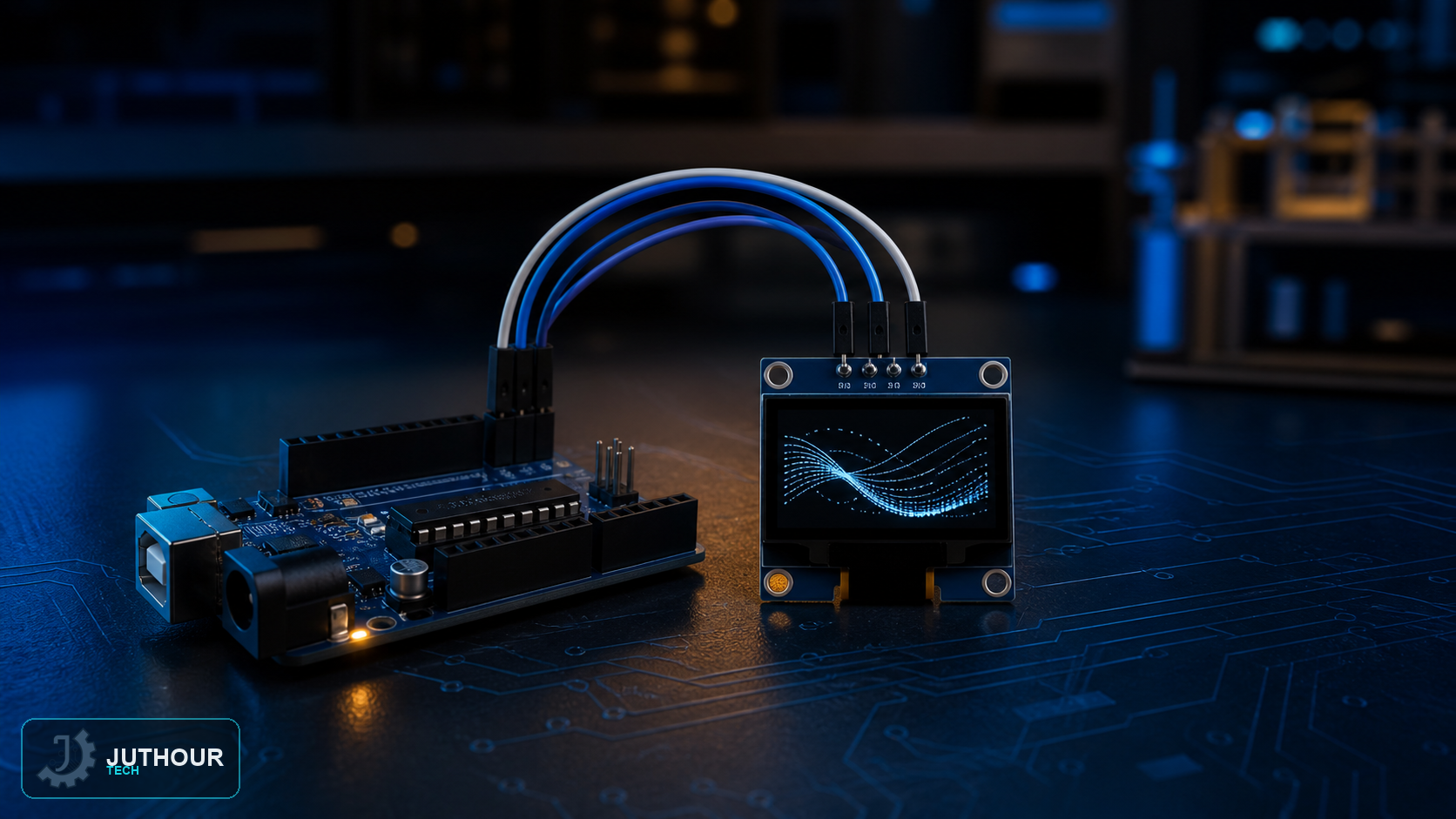
OLED graphic displays offer much higher display quality than traditional LCD screens in roughly the same footprint, since every pixel can turn on or off independently with no separate backlight needed.
Components needed
An Arduino board, a 128x64 pixel OLED display running the SSD1306 controller chip, and connecting wires.
Wiring it up
The display runs on 3.3V logic and needs 7-15V to power the OLED panel itself, but a built-in charge-pump circuit allows connecting it directly to Arduino's 5V with no extra level-shifting circuit needed. The display relies on the I2C protocol with just two lines: on an Arduino Uno, SCL connects to analog pin A5 and SDA to A4 (different on an Arduino Mega: pin 21 for SCL and pin 20 for SDA), with VCC connected to 5V and GND to ground.
How it works and programming it
The code relies on the Adafruit GFX and Adafruit SSD1306 libraries, which manage the internal 1KB display buffer split into 8 pages of 128 segments each. The libraries support rendering text at various sizes, formatting numbers, and scrolling effects. A memory warning may appear during compilation due to the 1KB buffer allocation, which is normal and can be ignored.
You can find OLED displays in various sizes at Juthour Tech.
Leave your comment