
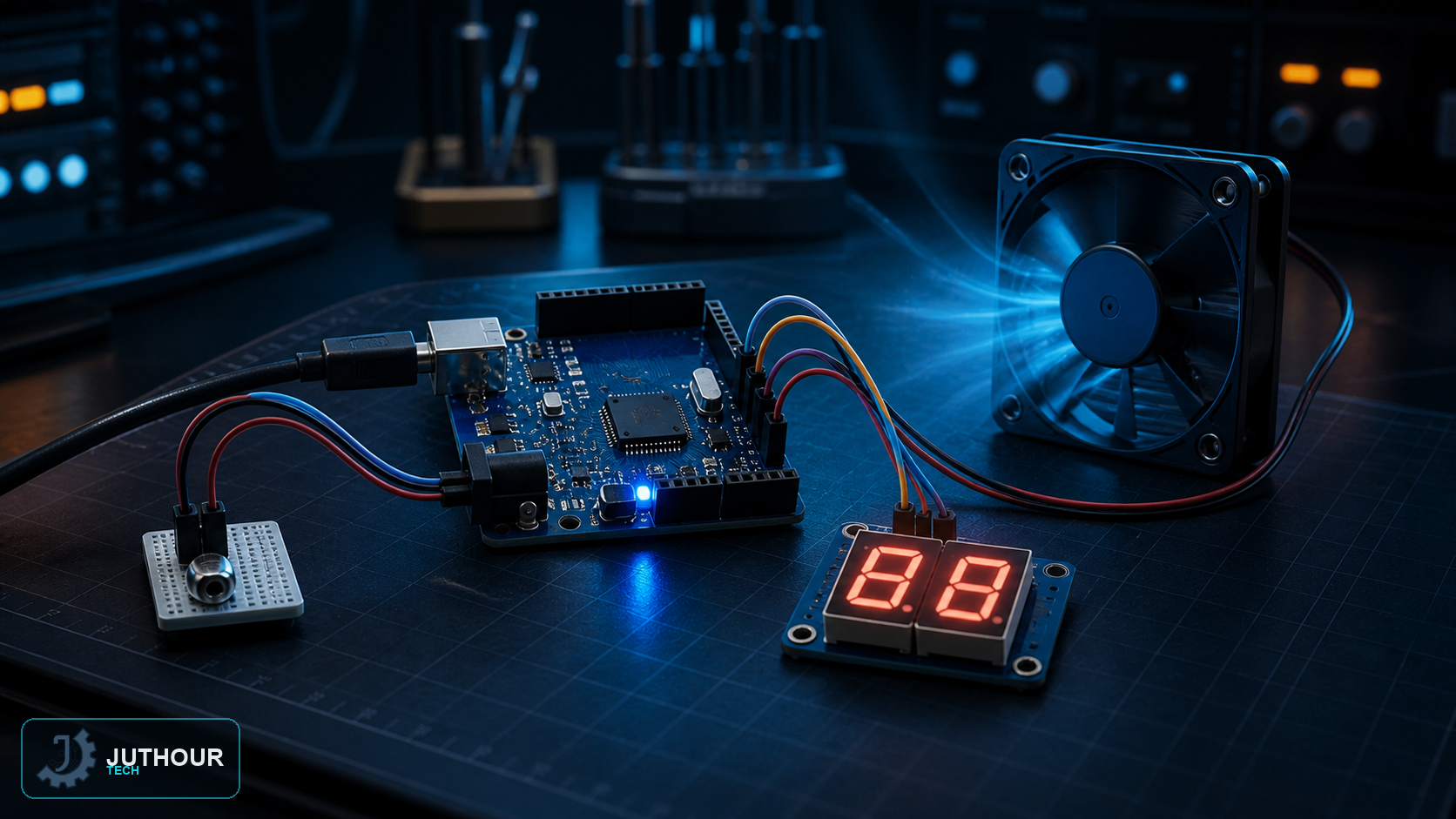
A common practical Arduino application combines a temperature sensor with a cooling fan that switches on automatically as heat rises, while showing the current reading numerically on a seven-segment display instead of a plain text screen. This project ties together three core skills: analog reading, multiplexing, and motor control via a PWM signal.
Components needed
An Arduino Uno board, an LM35 analog temperature sensor, two common-cathode seven-segment displays, an NPN transistor such as the 2N2222 (or equivalent) to drive the motor, a flyback protection diode, a small DC motor standing in for the fan, and a set of 220-ohm resistors to protect the display pins.
Wiring it up
The LM35's output pin connects to analog pin A0. Each display's seven segment pins (a through g) connect to digital pins through 220-ohm resistors, while each display's common cathode pin connects to its own digital pin used as an on/off switch for that display. The motor is never wired directly to an Arduino pin — instead it connects through the transistor's base (via a 1k-ohm resistor), with the flyback diode placed in parallel across the motor terminals to dissipate the back-EMF current generated when the motor switches off.
How it works
To show two different digits on two displays with a limited number of pins, the code relies on multiplexing: the first digit is lit for a few milliseconds, then turned off while the second display is lit using the same segment pins, and this cycle repeats fast enough that the human eye perceives a steady two-digit readout rather than flicker. Fan control compares the reading against fixed thresholds: the fan stays off below 20°C, then ramps up gradually in proportion to temperature via analogWrite() until it reaches full speed at 35°C and above.
You can find seven-segment displays, the LM35 sensor, and the right transistors for this project at Juthour Tech.
Leave your comment