
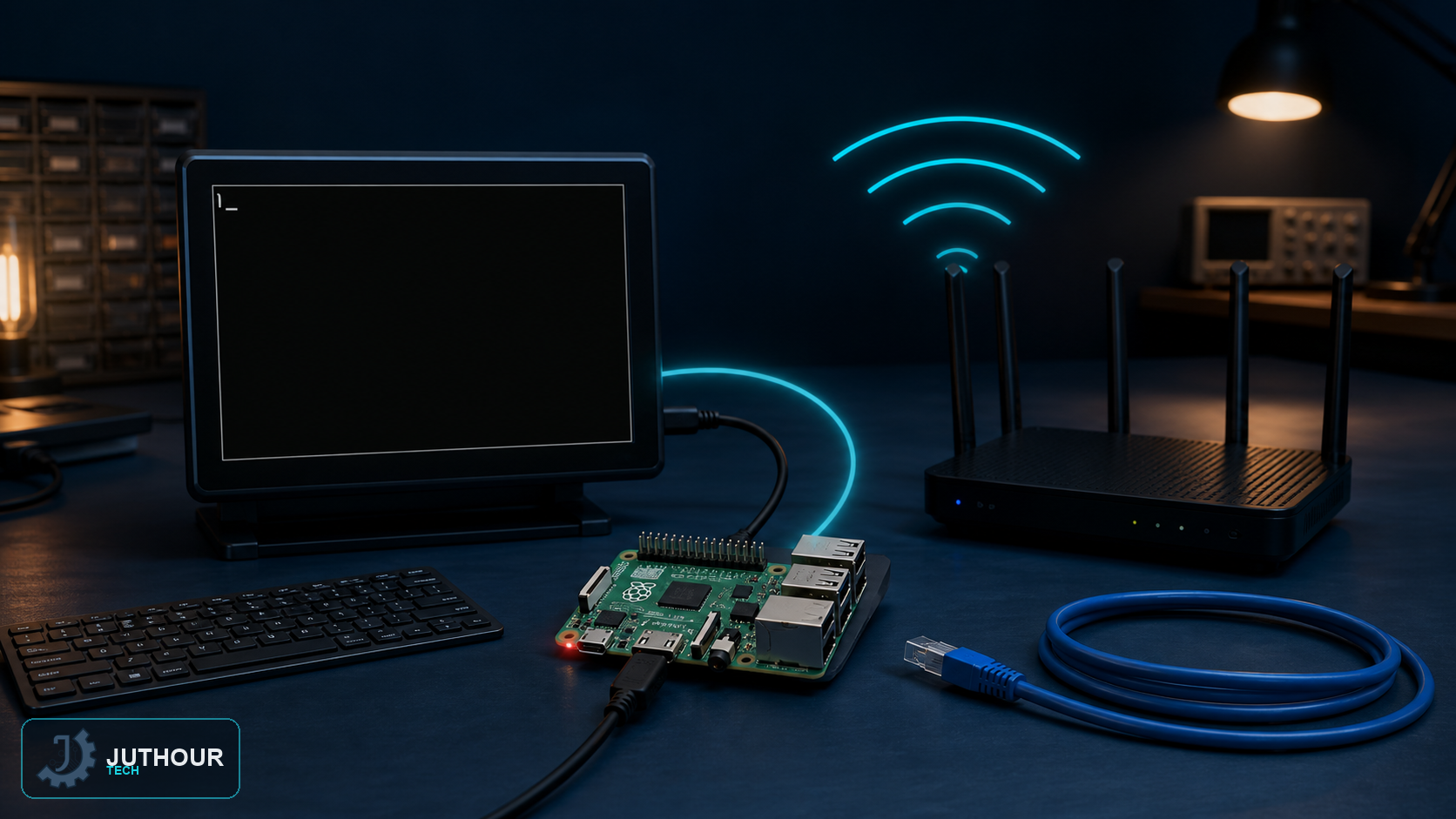
Raspberry Pi OS Bookworm and later use NetworkManager by default. Older guides that place wpa_supplicant.conf in the boot partition no longer describe the standard first-boot workflow.
Prepare a headless first boot
When writing the card, Raspberry Pi Imager can preconfigure the wireless network, country, user account and SSH. This is the safest way to make a completely headless device reachable on its first boot.
Enable WiFi and scan from the terminal
Set the correct WLAN country through sudo raspi-config if required, then check the radio:
nmcli radio wifi
sudo nmcli radio wifi on
nmcli dev wifi list
Connect without exposing the password in shell history
sudo nmcli --ask dev wifi connect "Your SSID"The --ask option prompts for the secret instead of placing it in the command history. For a hidden network, add hidden yes. Enterprise networks can require a dedicated connection profile with identity and certificate settings.
Verify the connection
nmcli connection show --active
nmcli dev wifi list
ip -4 address
An asterisk in the in-use column identifies the active wireless network. If connection fails, confirm the SSID spelling and WLAN country, check signal strength and ensure the board or USB adapter supports the chosen frequency band.
Leave your comment