
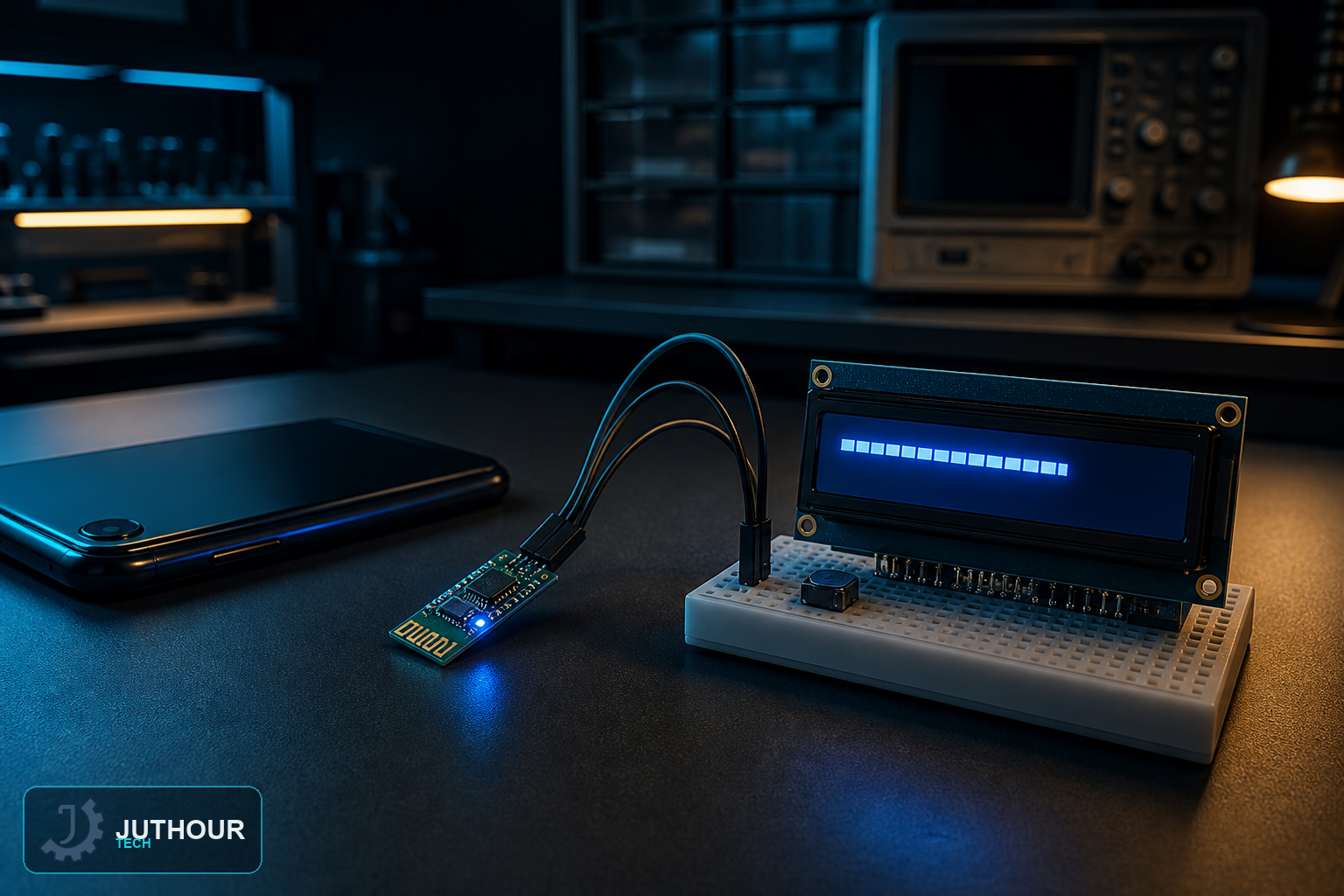
This project turns a phone into a wireless typewriter for an LCD screen — type a short message in a Bluetooth terminal app, and it appears on the display seconds later, no wires or buttons on the Arduino side required to enter text.
Components needed
An Arduino Uno, an HC-05 Bluetooth module, a 16x2 I2C LCD display, and jumper wires.
Wiring it up
The HC-05 connects with its TX to pin 11 and RX to pin 10, using SoftwareSerial rather than Arduino's hardware serial pins so the USB connection to a computer stays free for uploading code and debugging. The LCD uses the standard I2C wiring on A4 and A5.
Sending text from a phone
After pairing an Android phone with the HC-05 module, a Bluetooth Terminal app lets you type and send messages up to about 32 characters. Arduino's software serial interface receives that incoming text, and the sketch writes it to the LCD, splitting it across the display's two lines if the message is long enough to need both.
How this builds on our earlier LCD messaging project
We've covered showing custom messages on an LCD before using code written directly into the sketch. This project takes that same core idea — putting arbitrary text on an LCD — and makes the message itself dynamic and wireless, typed fresh each time from a phone instead of being fixed at upload time.
Where this is used
This kind of wireless text display fits simple notification boards, quick status or reminder messages sent from across a room, and any small interactive signage project where updating the message shouldn't require touching the Arduino at all.
You can find HC-05 Bluetooth modules and I2C LCD displays at Juthour Tech.
Leave your comment