
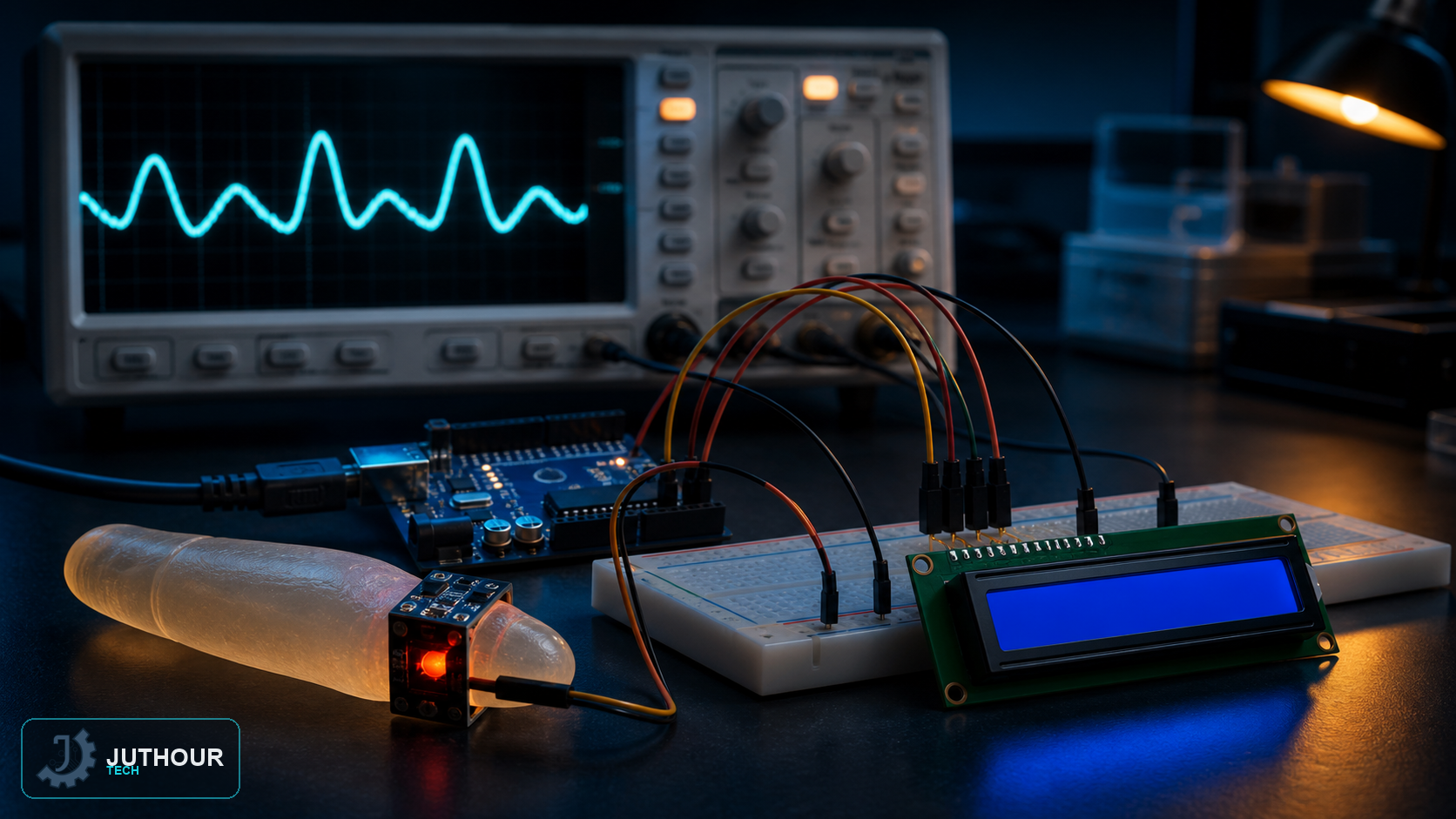
Before reaching for an I2C sensor like the MAX30100, the classic analog Pulse Sensor is a simpler, cheaper starting point for reading heart rate — a single analog pin and some interrupt-driven timing is all it takes.
Components needed
An Arduino Uno, an analog Pulse Sensor (clipped onto a fingertip or earlobe), a 16x2 LCD display, a 10kΩ potentiometer for LCD contrast, an LED, a breadboard, and a 9V battery with connector for standalone power.
Wiring it up
The sensor's analog output connects to Arduino's A0 pin. The LED connects to digital pin 13 to blink with each detected beat, and the LCD follows the standard direct-wiring or I2C setup covered in our LCD articles.
How beat detection works
Sample the optical signal at a regular interval, filter baseline drift and noise, then detect peaks with a refractory interval so one beat cannot be counted twice. A 500 Hz rate is not “too fast for the loop”; a timer is used to make the sampling interval consistent.
Calculating BPM
Each time a beat is detected, the interval since the previous beat gets stored in a small rolling array of the last ten intervals. Averaging those ten values and applying 60000 ÷ average interval (in milliseconds) converts the raw timing into a stable beats-per-minute figure, which the LCD then displays.
How this compares to the MAX30100
This sensor is simpler, cheaper, and easier to wire, but it only reports heart rate — no blood oxygen reading — and tends to be more sensitive to finger movement and pressure than the MAX30100's I2C-based optical setup.
You can find pulse sensors and LCD displays at Juthour Tech.
Leave your comment