
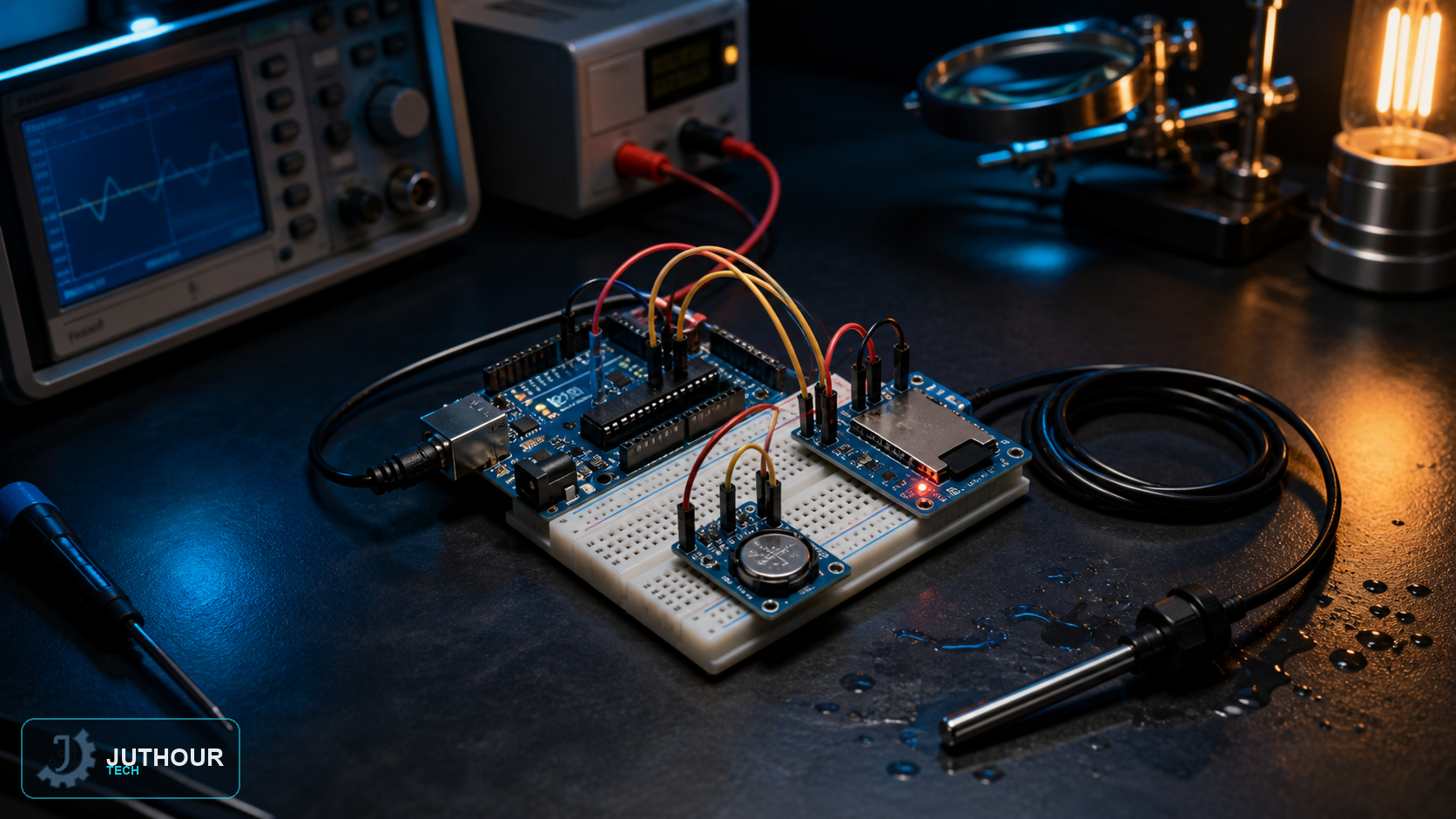
A temperature logger becomes useful when it records structured, recoverable data rather than only printing readings to Serial. This project combines a DS18B20 digital sensor with a microSD module and explains the electrical details that determine reliability.
Hardware and wiring
Connect the DS18B20 data line to a digital pin and place a 4.7kΩ pull-up resistor between data and the sensor logic supply. Connect the microSD module over SPI using MOSI, MISO, SCK and a dedicated CS pin. Keep wiring short and place a decoupling capacitor near modules used in electrically noisy installations.
Check the SD module before powering it: a raw microSD card is a 3.3V device. Some modules include both a regulator and logic-level conversion; others do not. Do not assume a module is safe for 5V logic from its appearance alone.
Libraries and logging sequence
OneWire handles the bus and DallasTemperature provides sensor requests and readings. The standard SD library manages the card. Initialise each subsystem separately, reject disconnected-sensor values, then open the log file, append one complete record and close it so buffered data is committed.
File logFile = SD.open("temperature.csv", FILE_WRITE);
if (logFile) {
  logFile.print(millis());
  logFile.print(',');
  logFile.println(temperatureC, 2);
  logFile.close();
}
Real timestamps and data integrity
millis() records elapsed time since reset, not calendar time. Add a real-time clock module such as a battery-backed DS3231 when the file needs actual date and time. Avoid removing power while the file is open, and use a stable supply. For long deployments, log sensor errors and periodically rotate files to simplify recovery and analysis.
Leave your comment