
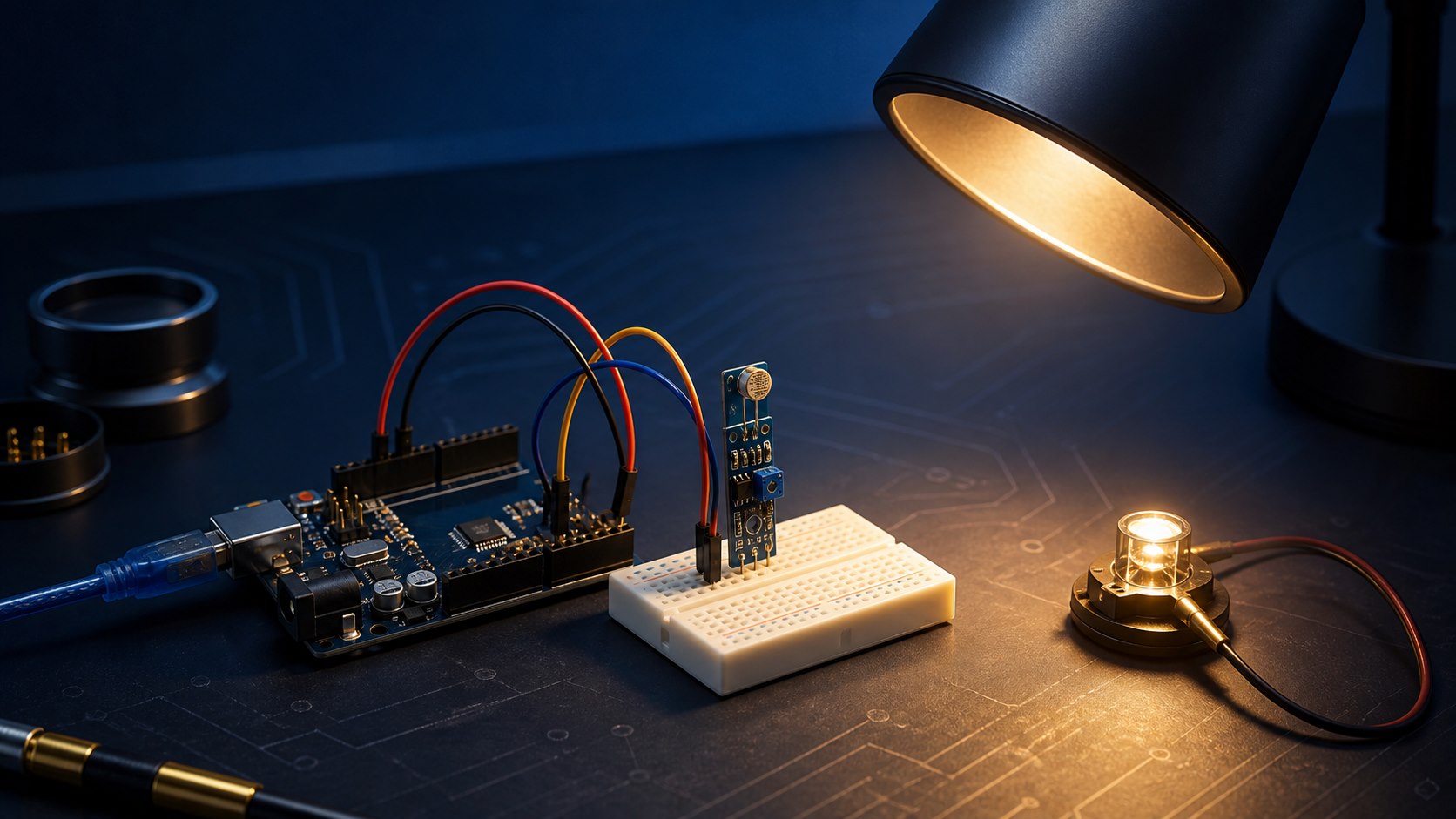
Measuring ambient light intensity is one of the simplest projects a beginner can build, and it opens the door to understanding how Arduino reads analog signals from different sensors - an important foundation for any more complex project down the line.
What is an LDR sensor?
A Light Dependent Resistor (LDR) is a variable resistor whose value changes with the amount of light falling on it: the more light it receives, the lower its resistance, allowing more current to pass through, and the opposite happens in the dark. A typical LDR module accepts 3.3–5V and provides an analog AO output plus a comparator-based DO output with an adjustable threshold. A bare photoresistor has neither power pins nor a digital output; it must be wired as part of a voltage divider.
Wiring and reading it
In this project, the analog output pin (AO) connects to the Arduino's A0 analog pin, with power and ground connected as usual, while the digital output (DO) is left unused. Reading the value comes down to a simple line of code:
AnalogValue = analogRead(A0);
Serial.println(AnalogValue);
This code reads the analog voltage from pin A0 and prints it to the Serial Monitor - the reading direction depends on the divider orientation and the module design. Record real light and dark values in your installation before choosing a threshold.
Where is this principle used?
This simple principle shows up in many applications, from something as basic as automatically turning on street lighting at dusk, all the way to smart curtain control systems or adjusting screen brightness based on ambient light.
You can get an LDR sensor and the rest of the components needed for this project at Juthour Tech. If the application requires a calibrated digital illuminance reading, use a purpose-built sensor such as the BH1750 rather than a bare LDR.Calibrate instead of copying a threshold
Leave your comment