
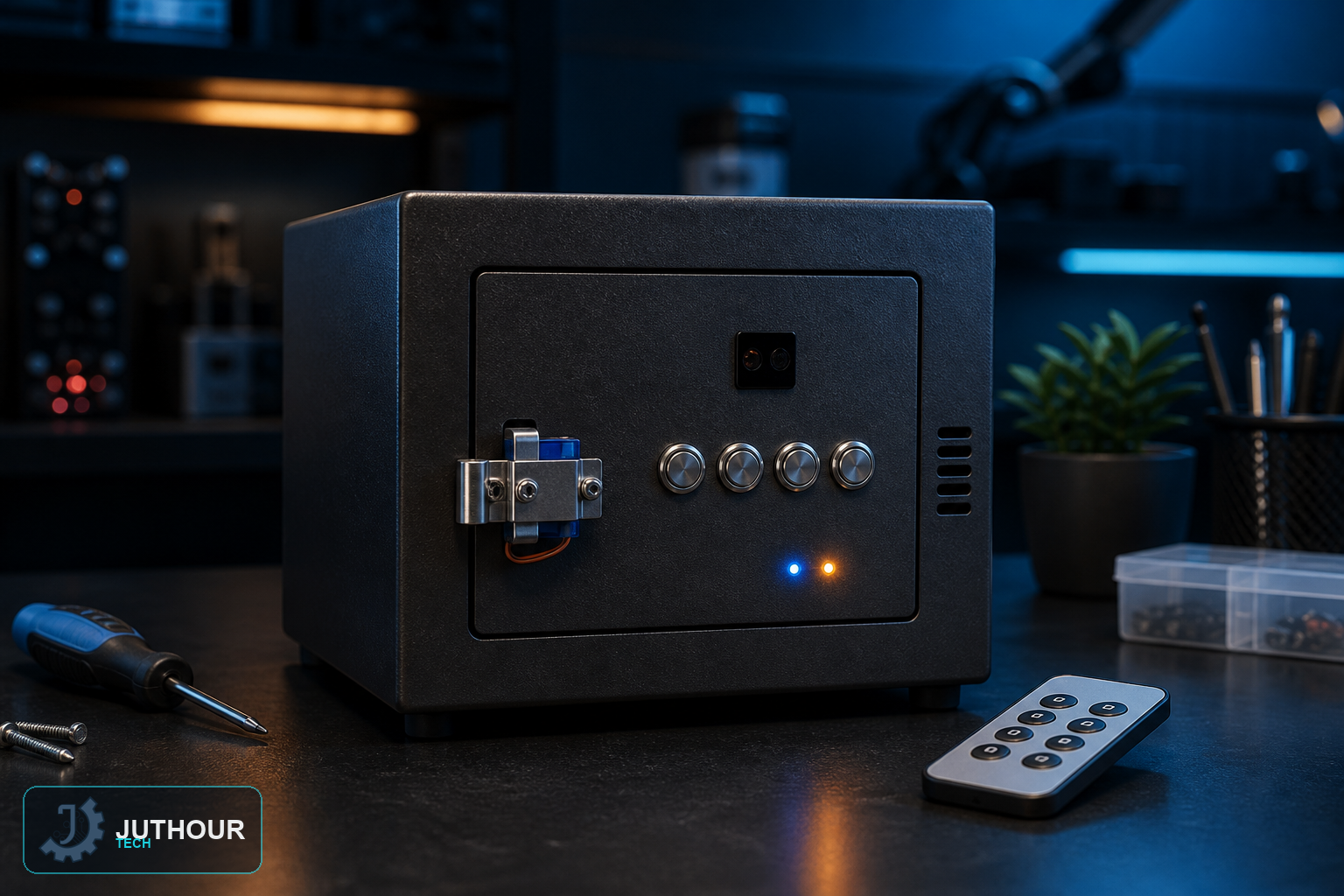
This miniature safe project combines two separate ways to unlock it — a specific button sequence, or an IR remote — showing how Arduino can happily accept more than one kind of input for the same lock rather than being limited to just one.
Components needed
An Arduino Uno, four push buttons with 10kΩ pull-up resistors, a servo motor for the locking mechanism, a red and a green LED, an IR receiver module, and a breadboard.
Wiring it up
The four buttons connect to pins 4 through 7, the servo to pin 2, and the IR receiver to pin 3. The red LED indicates a locked state and the green LED indicates successful unlocking.
The two unlock methods
The button-based method requires pressing the four buttons in a specific pattern — LOW-HIGH-HIGH-LOW read from right to left in the base example — before the sketch rotates the servo to open the gate. Separately, the IR receiver listens for remote-control signals: pressing the "+" button on the remote opens the safe, and "-" closes it, entirely independent of the button sequence.
Programming it
The sketch checks both input paths on every loop — reading the four button states for a pattern match, and checking for incoming IR codes at the same time — rotating the servo to unlock the moment either method succeeds.
Where this fits among our other lock projects
This differs from our keypad door-lock project, which relies on a single numeric-keypad code, and from the timed password-guessing game we cover elsewhere, which is built as a challenge rather than a real access-control mechanism. This safe's distinguishing feature is combining two entirely independent unlock paths — physical buttons and wireless IR — into one lock.
You can find servo motors and IR receiver modules at Juthour Tech.
Leave your comment