
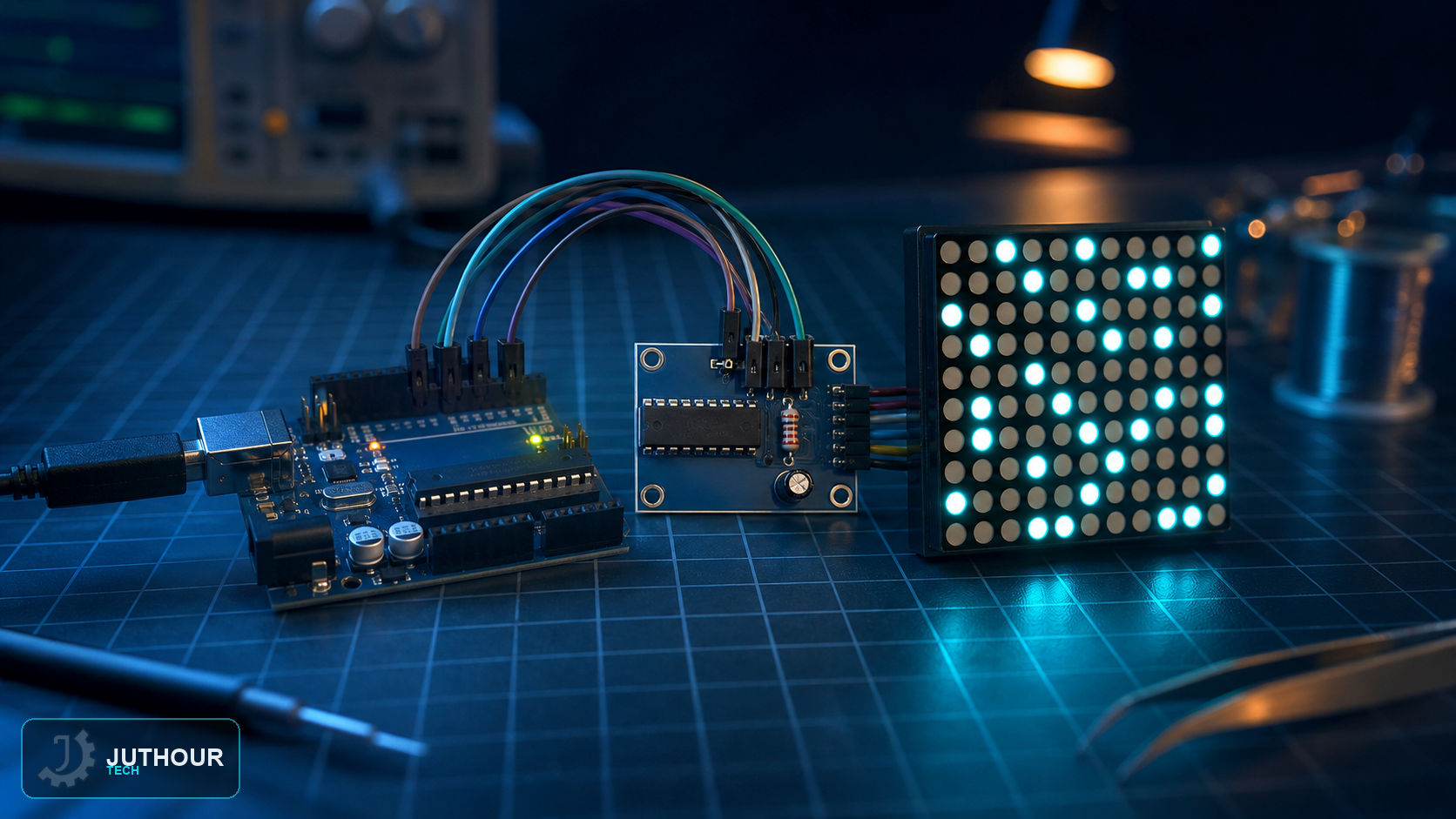
An 8x8 LED matrix has 64 individual LEDs, and wiring each one to its own Arduino pin would need 64 pins the board simply doesn't have — the MAX7219 driver module solves that by taking over the LED management itself, cutting the wiring down to just three signal lines.
Components needed
An Arduino Uno and an 8x8 LED matrix module built around the MAX7219 driver chip, along with connecting wires.
Wiring it up
The MAX7219 uses DIN, CLK, and CS plus power and ground. The ISET resistor determines segment current, and the module needs local decoupling and a supply sized for total row current, especially in a daisy chain. Do not power a large chain from an arbitrary USB port.
Installing the library
Controlling the module needs a dedicated matrix library, installed either through the Library Manager or by extracting it manually into the Arduino libraries folder and restarting the IDE — see our library installation article for the general process either way needs.
Programming it
After including the library's header file, the code creates a control object specifying which pins are wired to the module and how many matrix units are chained together. From there, two core functions do most of the work: one prints text or patterns to the display, and another clears the matrix's memory before the next update.
Chaining multiple matrices
Because the driver chips can be daisy-chained, several 8x8 modules can be wired together and controlled as a single wider display — useful for scrolling longer messages across more than one 8x8 unit at a time.
You can find MAX7219 LED matrix modules at Juthour Tech.
Leave your comment