
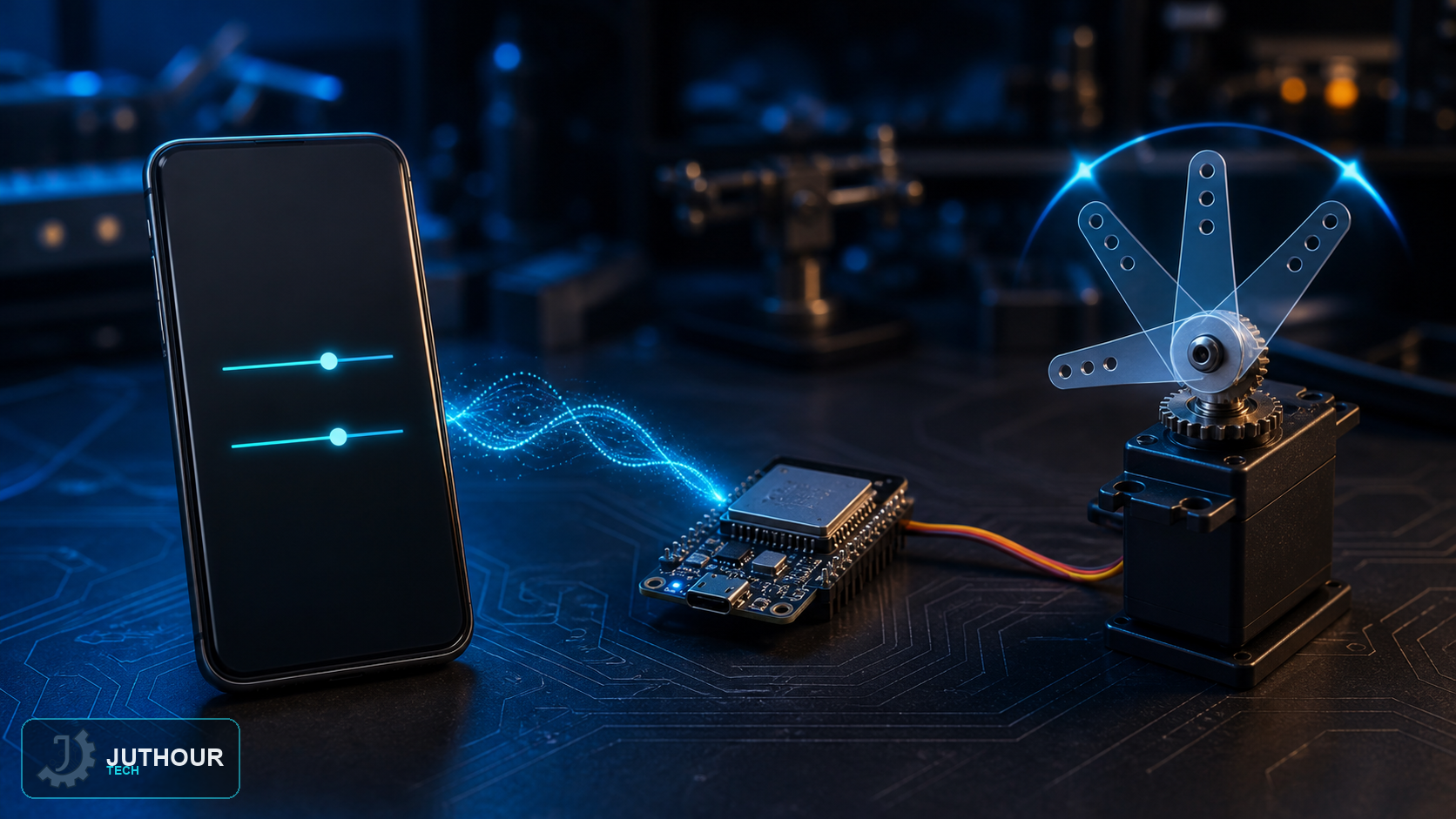
Part 2 adds a local browser interface for servo angle control without full page reloads. ESP32 serves the page on a trusted network, while native browser fetch() sends values without an additional library.
Lightweight native JavaScript
const slider = document.querySelector('#angle');
let timer;
slider.addEventListener('input', () => {
  clearTimeout(timer);
  timer = setTimeout(() => {
    fetch('/servo?angle=' + encodeURIComponent(slider.value));
  }, 80);
});
The short debounce interval prevents dozens of requests per second while the slider is dragged. Display an acknowledged angle after a successful response instead of assuming the movement occurred.
Validate on ESP32
Parse an integer, reject non-numeric input, and clamp it to the servo's calibrated safe range, such as 0–180 degrees or less. Return an explicit HTTP status and never call write() before validation.
Security and reliability
Use the example on a trusted local network. For remote access, add authentication and encryption and use a VPN or secure broker instead of forwarding a public port to ESP32. Define a safe boot or disconnect position and limit motion rate when a load could cause injury.
Leave your comment