
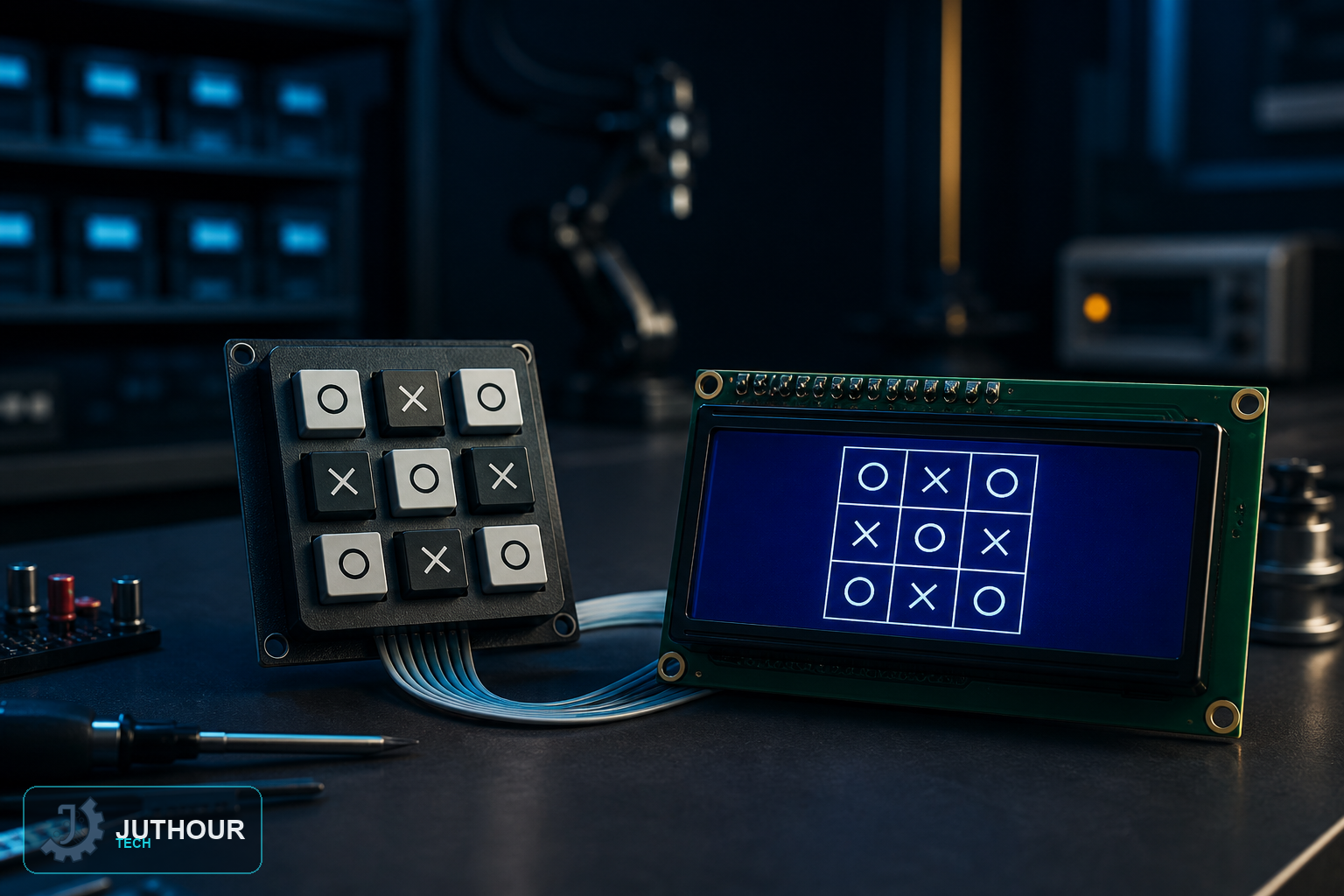
This two-player Tic-Tac-Toe game trades a screen full of graphics for a numeric keypad and a text display — proof that a compelling turn-based game doesn't need pixel art at all, just clear state tracking and a way for players to see the board.
Components needed
An Arduino Uno, a 4x4 matrix keypad, a 16x4 I2C LCD display, and a 9V battery.
Wiring it up
The keypad connects across digital pins 2 through 9. The LCD uses the standard I2C wiring — SDA to A4, SCL to A5, plus 5V and ground.
How the game works
Players take turns pressing a number 1 through 9 on the keypad, each number mapping to one of the nine board positions. The sketch maintains a 3x3 array tracking which player occupies which square, updating the LCD after every move to show the current board state and whose turn is next.
Checking for a winner
After each move, the code checks all eight possible winning lines — three rows, three columns, and two diagonals — for three matching marks. If none of those lines match and every square is filled, the game reports a draw instead.
Software used
The sketch relies on two libraries: the Keypad library to cleanly read the matrix keypad's button presses, and LiquidCrystal_I2C to handle writing text to the LCD over I2C, keeping the actual game logic in the sketch simple and focused on the board state itself.
Where this is used
Beyond being a fun standalone project, this turn-based, keypad-and-LCD pattern generalizes well to other simple grid or menu-driven games and interfaces where a small text display and a numeric keypad are all the input and output you need.
You can find 4x4 matrix keypads and I2C LCD displays at Juthour Tech.
Leave your comment