
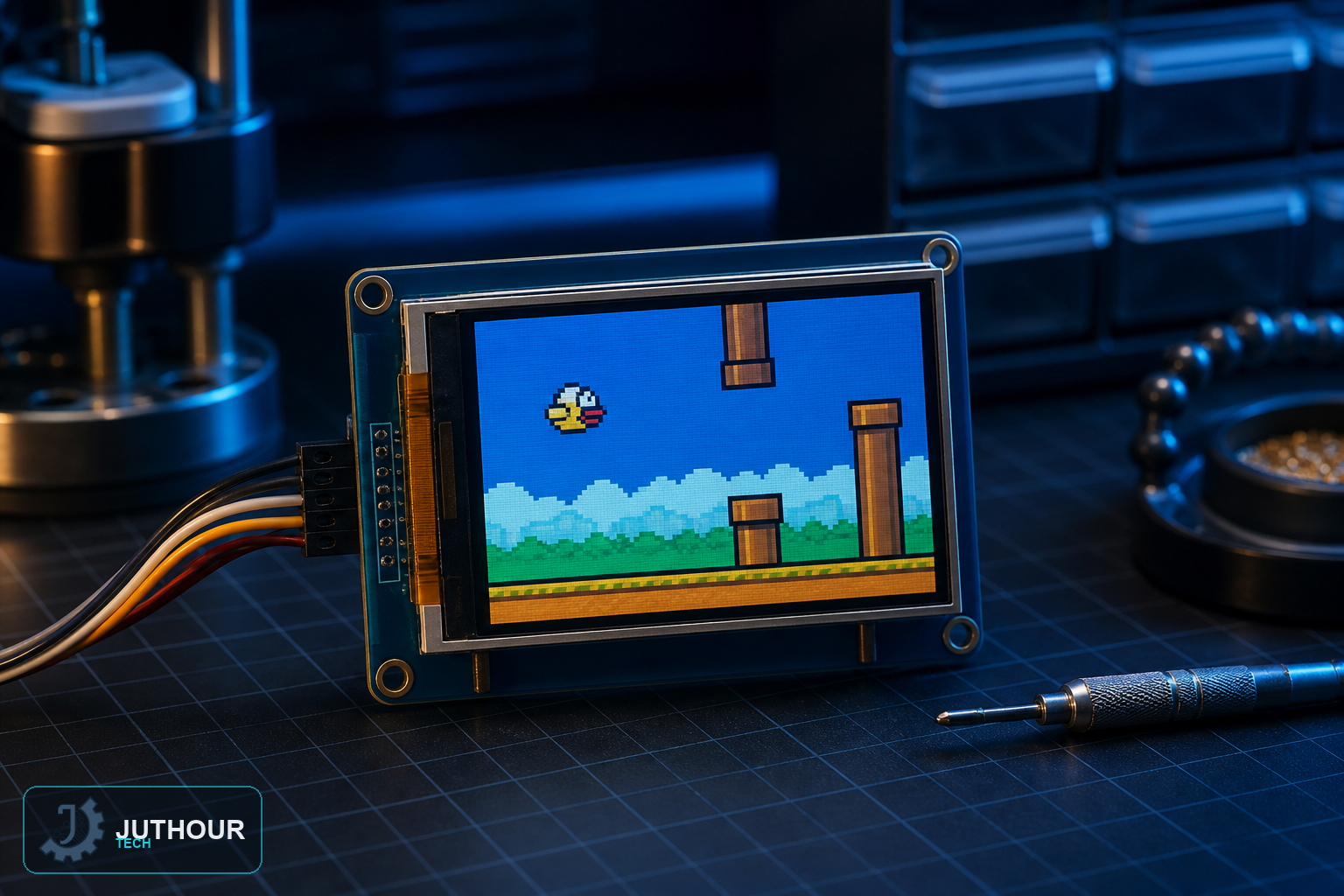
We've covered the 1.8-inch TFT LCD before as a general-purpose color display; this project puts it to a specific, fun use — a working recreation of Flappy Bird, controlled with a single push button.
How the game works
Gravity constantly pulls the bird sprite downward on the 128x160 pixel screen, and pressing the button gives it a short upward boost — timing those presses to guide the bird through gaps in pipes scrolling across the screen is the entire challenge, exactly like the original game.
Components needed
An Arduino Uno, a 1.8-inch TFT LCD module with an ST7735S controller, a single tactile push button, a breadboard, and a 9V battery.
Wiring it up
The display communicates over SPI: CS to pin 10, DC to pin 9, RESET to pin 8, data to pin 11, and clock to pin 13, with both 5V and 3.3V power connections as the display requires. The push button connects to digital pin 2 as the sole game control.
Programming it
The sketch continuously applies downward gravity to the bird's vertical position, checks for a button press to apply an upward velocity change, scrolls the pipe obstacles leftward across the screen, and checks for collisions between the bird and either a pipe or the screen edges.
How this builds on our earlier TFT display project
Our earlier TFT 1.8" article covered the display's wiring and basic graphics functions as general background. This project is a natural next step from that — taking the same hardware and building a complete single-button game on top of it, rather than just showing static graphics or text.
You can find 1.8-inch TFT LCD modules at Juthour Tech.
Leave your comment