
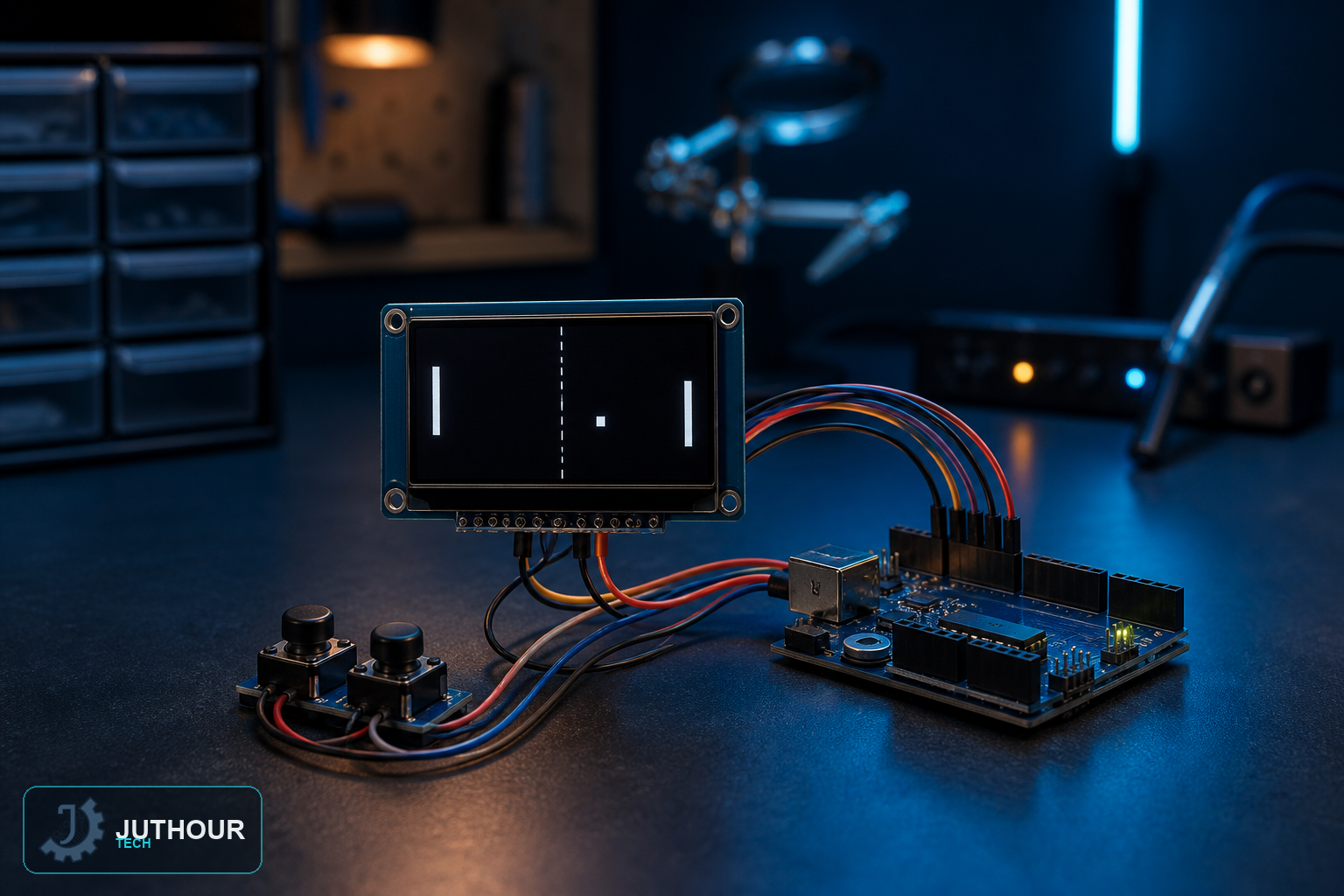
Classic Ping Pong comes to a 0.96-inch OLED screen in this project, with one paddle controlled by the player and the other handled automatically by simple tracking logic built into the code.
Components needed
An Arduino Uno, a 0.96-inch I2C OLED display, two push buttons, a breadboard, and a 9V battery.
Wiring it up
The OLED connects over I2C the same way it does in our other OLED projects. The two buttons connect to separate digital pins, one for moving the player's paddle up and one for moving it down.
How the gameplay works
The ball moves continuously across the 128x64 pixel screen, bouncing off the top and bottom walls and reversing direction whenever it hits a paddle. The computer-controlled paddle simply follows the ball's vertical position automatically, while the player's paddle only moves when a button is actively held. Pressing Arduino's physical reset button starts a new game.
How it's built
The sketch tracks the ball as a single moving pixel and both paddles as short vertical lines, redrawing the whole court — walls, ball, and paddles — on a timed loop to create smooth animation, the same general animation approach used in our other small-screen games.
Where this fits among our other display games
We've built games on several different displays now — an LCD1602 for the dinosaur game, a TFT LCD for Flappy Bird, and here an OLED for Ping Pong — each one showing a different way of getting playable animation out of a small screen, worth exploring together if you're interested in the display side of game-building rather than any one specific screen type.
You can find 0.96-inch OLED displays at Juthour Tech.
Leave your comment