
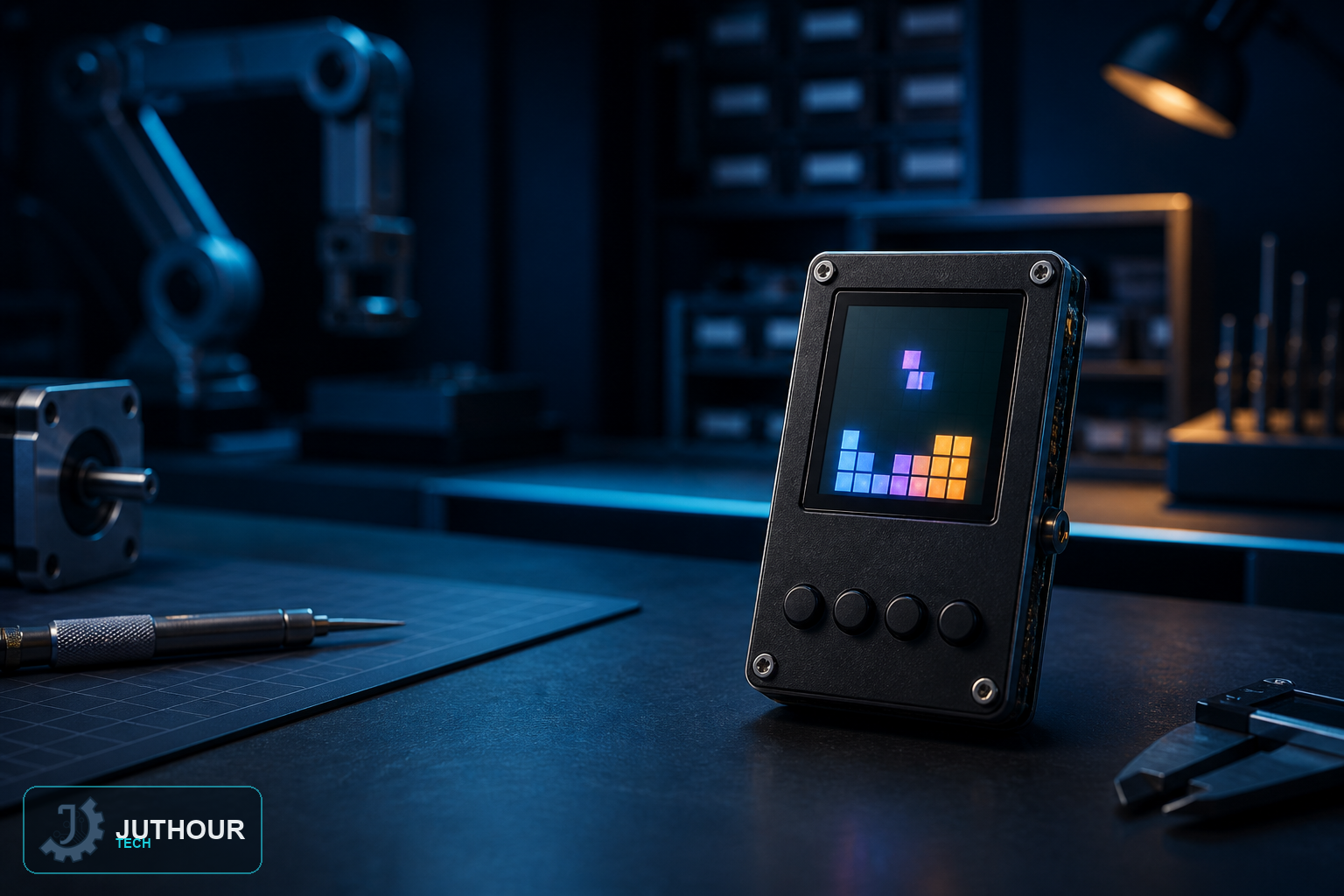
Tetris joins Ping Pong as our second game built on a 0.96-inch OLED screen, but where Ping Pong is about real-time reflexes, this project is a grid-based puzzle game about fitting falling pieces together.
Components needed
An Arduino Nano, a 0.96-inch I2C OLED display, four push buttons (left, right, rotate, and speed adjustment) with 1kΩ resistors, an active buzzer, and a 9V battery.
Wiring it up
The OLED connects over I2C the same way as our other OLED projects. Each of the four buttons connects to its own digital pin through a resistor to ground for clean debouncing.
How the game is built
The game runs on a 10x18 grid, small enough to fit clearly on the OLED's limited resolution. The classic tetromino shapes — the S, L, T, and line pieces among others — are defined as coordinate arrays along with their rotated states, letting the sketch redraw each piece correctly no matter which orientation the player rotates it to.
Playing it
The left and right buttons shift the falling piece horizontally, the rotate button cycles through that piece's rotation states, and the speed button adjusts how quickly pieces fall — useful for both practicing slowly and playing at a real challenge pace. After each piece lands, the sketch scans for any completely filled rows, clears them, and updates the score, while the buzzer plays distinct tones for movement and for line clears.
Software used
Three libraries handle the display: Wire.h for the underlying I2C communication, Adafruit_GFX for general graphics primitives, and Adafruit_SSD1306 specifically for driving this OLED controller.
How this compares to our Ping Pong project
Both games live on the same small OLED screen and share the basic wiring pattern, but the game design is entirely different: Ping Pong is continuous, reflex-based motion, while Tetris is a turn-by-turn puzzle built around a fixed grid — worth building both if you want to see two very different approaches to game logic on the same hardware.
You can find 0.96-inch OLED displays at Juthour Tech.
Leave your comment