
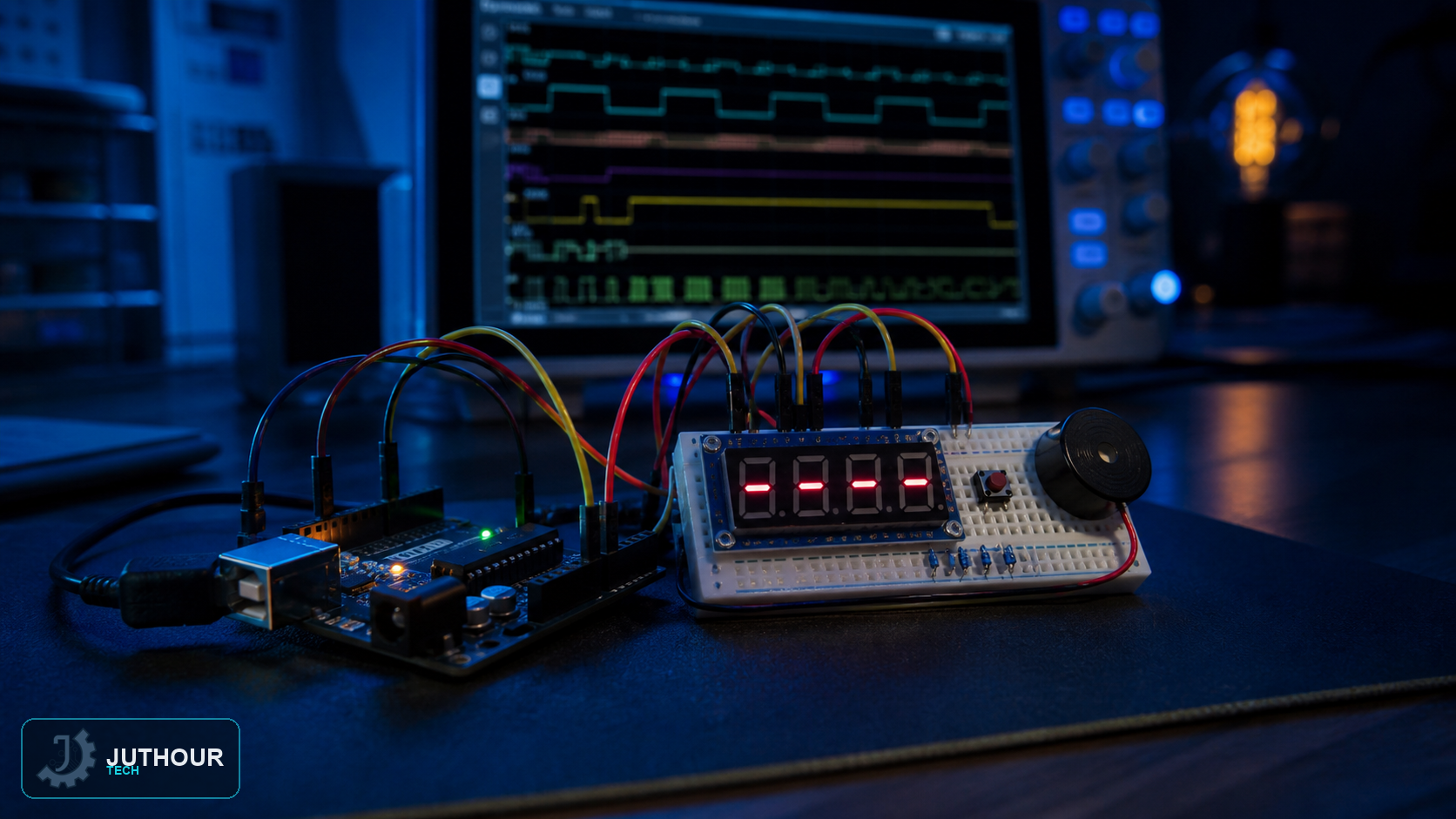
We've already covered the TM1637 display as an interactive up/down counter with button controls and EEPROM storage. This project uses the same display for something different: a fixed-duration countdown timer that starts automatically the moment it's powered on.
Components needed
An Arduino Nano, a TM1637 four-digit LED display module, a breadboard, and male-to-male jumper wires.
Wiring it up
The TM1637 needs just four connections: CLK to pin 2, DIO to pin 3, plus power and ground — the same minimal wiring the module always uses.
How the countdown works
Use unsigned millis subtraction so timer rollover is handled correctly, and update the display only when the second changes. Avoid delay during counting or zero-state blinking so buttons, buzzer, and other logic remain responsive.
What happens at zero
Once the countdown reaches 00:00, the display doesn't just stop — it blinks, alternating between showing "00:00" and going blank roughly every half second, giving a clear visual signal that time is up without needing a buzzer or any other component.
How this differs from our earlier TM1637 counter project
Our earlier TM1637 project was an interactive counter with three buttons for incrementing, decrementing, and resetting, saving its current value to EEPROM so it survives a power cycle. This countdown timer skips all of that — no buttons, no saved state — it's a simpler, fixed-duration timer that just runs down from a preset value automatically on every power-up.
You can find TM1637 display modules at Juthour Tech.
Leave your comment