
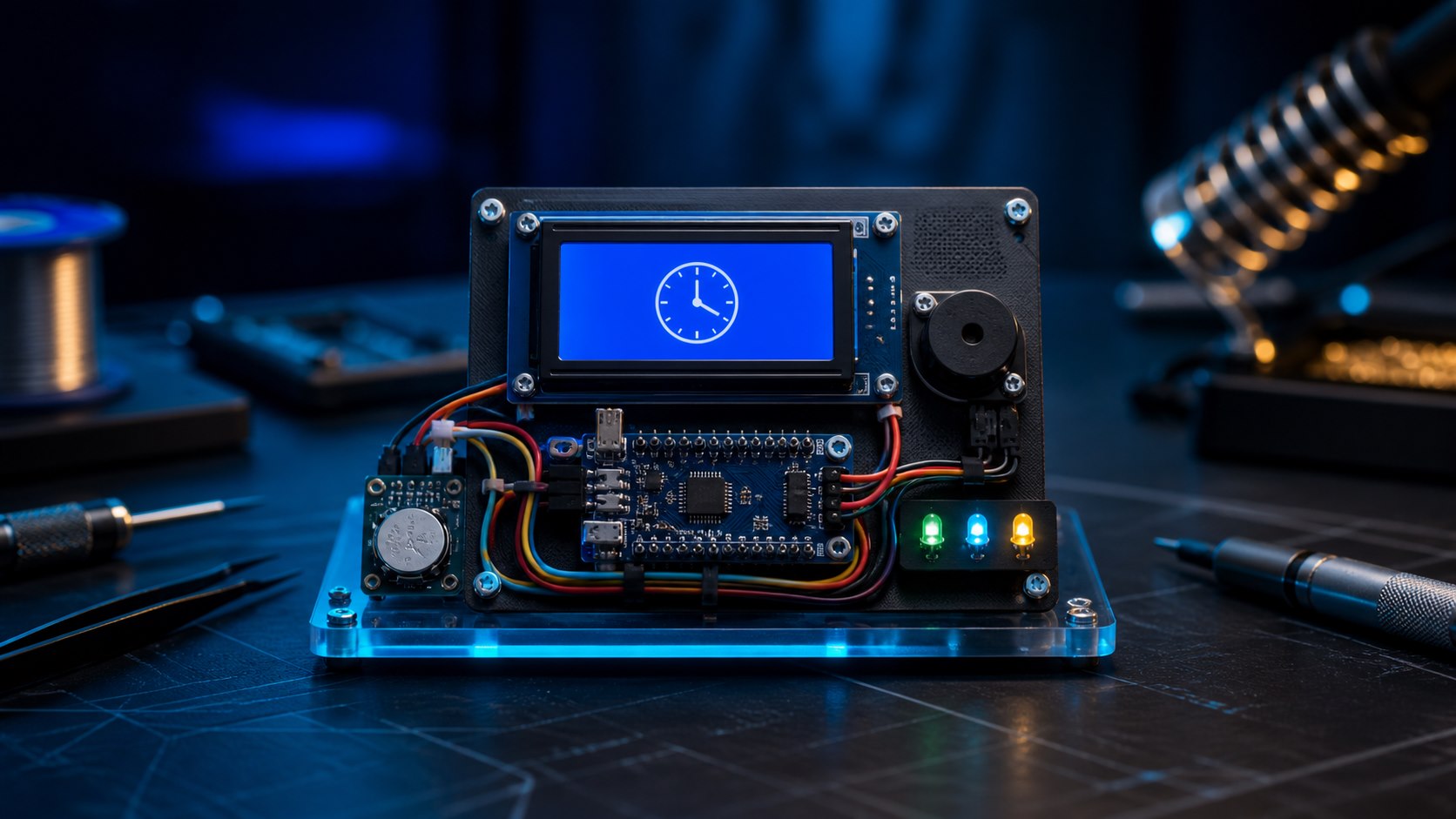
An Arduino board, a real-time clock, a display, and a buzzer can form a useful secondary reminder for scheduled medication. The project is also a practical introduction to timekeeping, buttons, displays, and state handling. It is an educational aid, not a medical device or a replacement for instructions from a clinician or caregiver.
Edition note: This English edition was technically revised and published in August 2026. The original Arabic article was published on July 27, 2021.
How the reminder works
The DS3231 real-time clock keeps time through a power interruption using its backup cell. The sketch compares the current time with three configurable schedules. At a match, the buzzer sounds and the 16×2 LCD displays a prompt. Pressing the acknowledge button silences that occurrence and prevents repeated alarms during the same scheduled minute.
Parts
- Arduino Uno or another suitable 5V-compatible board.
- DS3231 RTC module with a healthy backup cell.
- 16×2 LCD with an I²C backpack; 0x27 is common but not universal.
- 5V active buzzer, pushbutton, breadboard, and jumper wires.
- A regulated 5V supply suitable for the board and modules.
Suggested wiring
| Device | Pin | Arduino Uno |
|---|---|---|
| DS3231 | VCC / GND | 5V / GND |
| DS3231 | SDA / SCL | A4 / A5 |
| I²C LCD | VCC / GND | 5V / GND |
| I²C LCD | SDA / SCL | A4 / A5 |
| Buzzer | Signal | D8 |
| Acknowledge button | Between D7 and GND | D7 with INPUT_PULLUP |
The LCD and RTC share the I²C bus because they use different addresses. Run an I²C scanner if the display remains blank.
Arduino sketch
Install RTClib and LiquidCrystal_I2C through Library Manager. Change the hour and minute arrays only after confirming the intended schedule with the appropriate medical professional.
#include <Wire.h>
#include <RTClib.h>
#include <LiquidCrystal_I2C.h>

RTC_DS3231 rtc;
LiquidCrystal_I2C lcd(0x27, 16, 2);

const byte BUZZER_PIN = 8;
const byte ACK_PIN = 7;
const byte ALARM_COUNT = 3;
const byte alarmHour[ALARM_COUNT] = {8, 14, 20};
const byte alarmMinute[ALARM_COUNT] = {0, 0, 0};

bool acknowledged[ALARM_COUNT] = {false, false, false};
int lastDay = -1;

void setup() {
  pinMode(BUZZER_PIN, OUTPUT);
  pinMode(ACK_PIN, INPUT_PULLUP);
  Wire.begin();
  lcd.init();
  lcd.backlight();

  if (!rtc.begin()) {
    lcd.print("RTC not found");
    while (true) { }
  }
  if (rtc.lostPower()) {
    rtc.adjust(DateTime(F(__DATE__), F(__TIME__)));
  }
}

void loop() {
  DateTime now = rtc.now();
  if (now.day() != lastDay) {
    lastDay = now.day();
    for (byte i = 0; i < ALARM_COUNT; i++) acknowledged[i] = false;
  }

  lcd.setCursor(0, 0);
  if (now.hour() < 10) lcd.print('0');
  lcd.print(now.hour());
  lcd.print(':');
  if (now.minute() < 10) lcd.print('0');
  lcd.print(now.minute());
  lcd.print("          ");

  int activeAlarm = -1;
  for (byte i = 0; i < ALARM_COUNT; i++) {
    if (!acknowledged[i] && now.hour() == alarmHour[i] &&
        now.minute() == alarmMinute[i]) {
      activeAlarm = i;
      break;
    }
  }

  lcd.setCursor(0, 1);
  if (activeAlarm >= 0) {
    lcd.print("Medicine time!  ");
    tone(BUZZER_PIN, 2200);
    if (digitalRead(ACK_PIN) == LOW) {
      acknowledged[activeAlarm] = true;
      noTone(BUZZER_PIN);
      delay(250);
    }
  } else {
    noTone(BUZZER_PIN);
    lcd.print("Reminder ready  ");
  }
  delay(150);
}
Test before relying on the reminder
- Temporarily set alarms a few minutes ahead and test every schedule.
- Remove power, reconnect it, and verify that the DS3231 retained correct time.
- Confirm that acknowledging one alarm does not cancel later alarms that day.
- Use an enclosure, provide strain relief, and keep the assembly away from liquids.
Possible extensions include a larger interface, dose logging, or a Wi‑Fi notification. If you add cloud connectivity, treat schedule and adherence information as sensitive personal data.
Leave your comment