
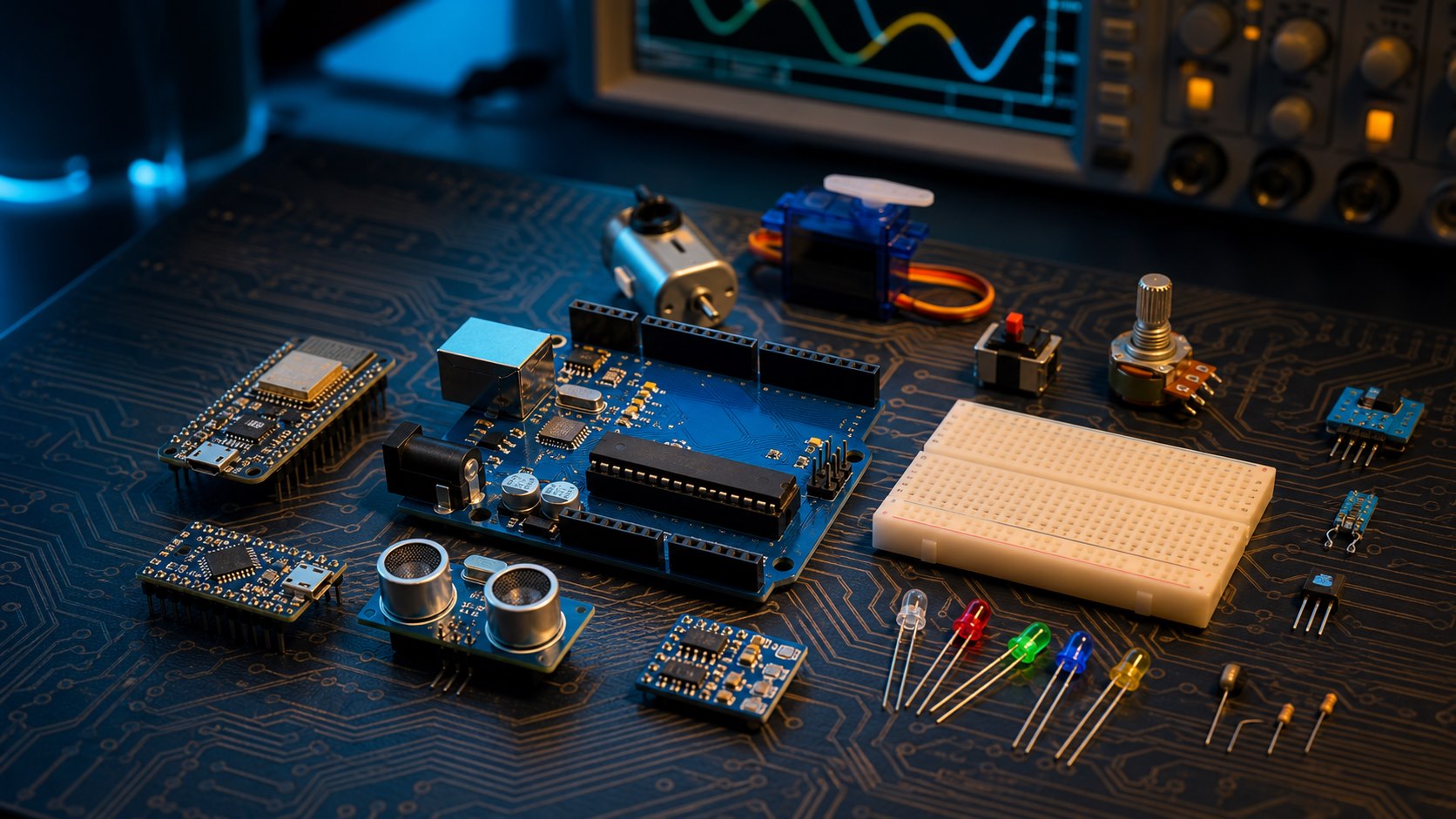
Most people interested in electronics and programming hear about "Arduino" long before they understand what it actually is. It isn't a finished gadget so much as an open-source electronics platform: a circuit board built around a programmable microcontroller, paired with a simplified programming environment that lets anyone - engineer or not - build interactive electronics projects step by step.
How did Arduino start?
The story goes back to 2005 in Ivrea, Italy, when a group of developers - most notably Massimo Banzi, David Cuartielles, and Gianluca Martino - set out to create a cheap, fully open-source development board that any student or hobbyist could study, modify, and build upon without paying any licensing fees. The original goal was simply to make interactive electronics easier to learn, and the idea succeeded well beyond expectations: it grew into a global ecosystem of official and compatible boards, libraries, tools, and learning resources.
What makes Arduino different?
Arduino uses a framework built around C and C++ that simplifies common microcontroller tasks for beginners, and it connects to a computer over USB to upload code directly. Because it's open-source, anyone can inspect and modify the circuit schematics, and compatible clone boards can even be built for just a few dollars in their simplest form.
Shields: expansion without complexity
One of the most useful ideas in the Arduino ecosystem is the "shield" - an add-on board sized to match the base Arduino, which stacks directly on top of it to add a new capability, such as internet connectivity or motor control, without designing a complex circuit from scratch. Multiple shields can even be stacked together on the same board at once.
Whether you're a student taking your first steps into electronics, or an engineer looking for a quick prototype of a new idea, Arduino remains an excellent starting point thanks to its simplicity, low cost, and the large global community behind it. You can browse the Arduino boards available at Juthour Tech and start your first project today. Start with Blink, then read a pushbutton, then an analog sensor. Move on to I²C, SPI, and UART only after those foundations are clear. This path develops transferable engineering judgment instead of copy-and-paste habits. Trusted reference: Arduino's official getting-started guide.Three things to understand before your first build
Leave your comment