
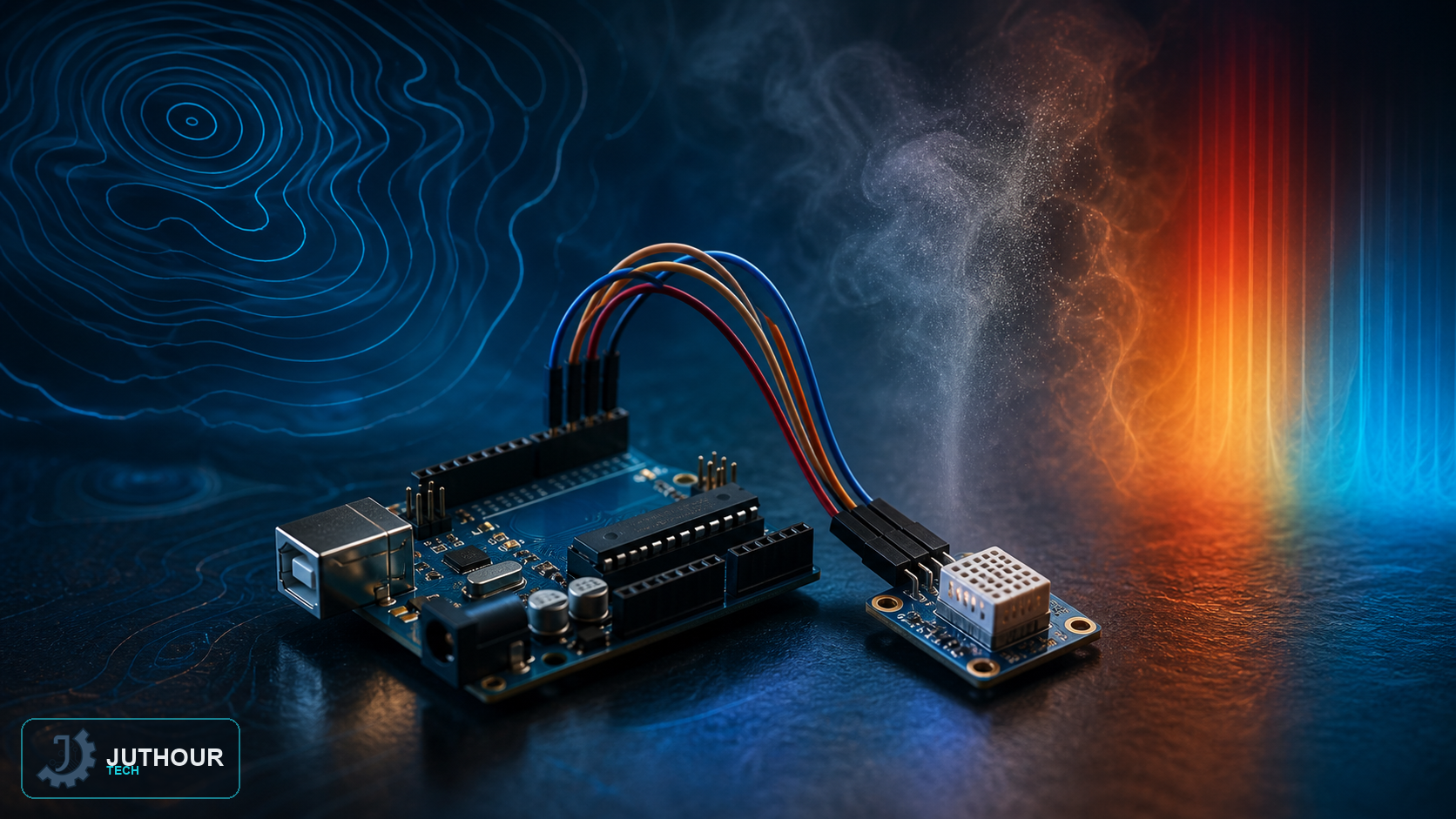
The BME280 is a more complete version of the BMP180 sensor we covered earlier, adding humidity measurement alongside atmospheric pressure and temperature, all in one sensor module.
Components needed
An Arduino board, a BME280 sensor module, and connecting wires.
Wiring it up
The sensor relies on the two-wire I2C protocol, at a default address of 0x76 (changeable to 0x77 by soldering a small jumper on the board when two different addresses are needed on the same bus). On an Arduino Uno board, the data line SDA connects to analog pin A4, and the clock line SCL to A5. The sensor operates across a wide 3.3 to 5V voltage range thanks to a built-in regulator.
What it measures
The BME280 measures three environmental variables at once: atmospheric pressure across a 300-1100 hPa range, temperature across a -40 to +85°C range, and relative humidity across a 0-100% range. It can also calculate an altitude estimate accurate to roughly a meter based on the pressure difference.
The difference from the BMP180
The BME280 works as a direct replacement for older sensors like the BMP180, but the core difference is the addition of a dedicated humidity sensor built into the same chip, widening the scope of environmental monitoring with no separate extra component needed — a feature that makes it well suited to small weather stations and indoor air-quality monitoring projects.
You can find the BME280 sensor module at Juthour Tech.
اترك تعليقا