
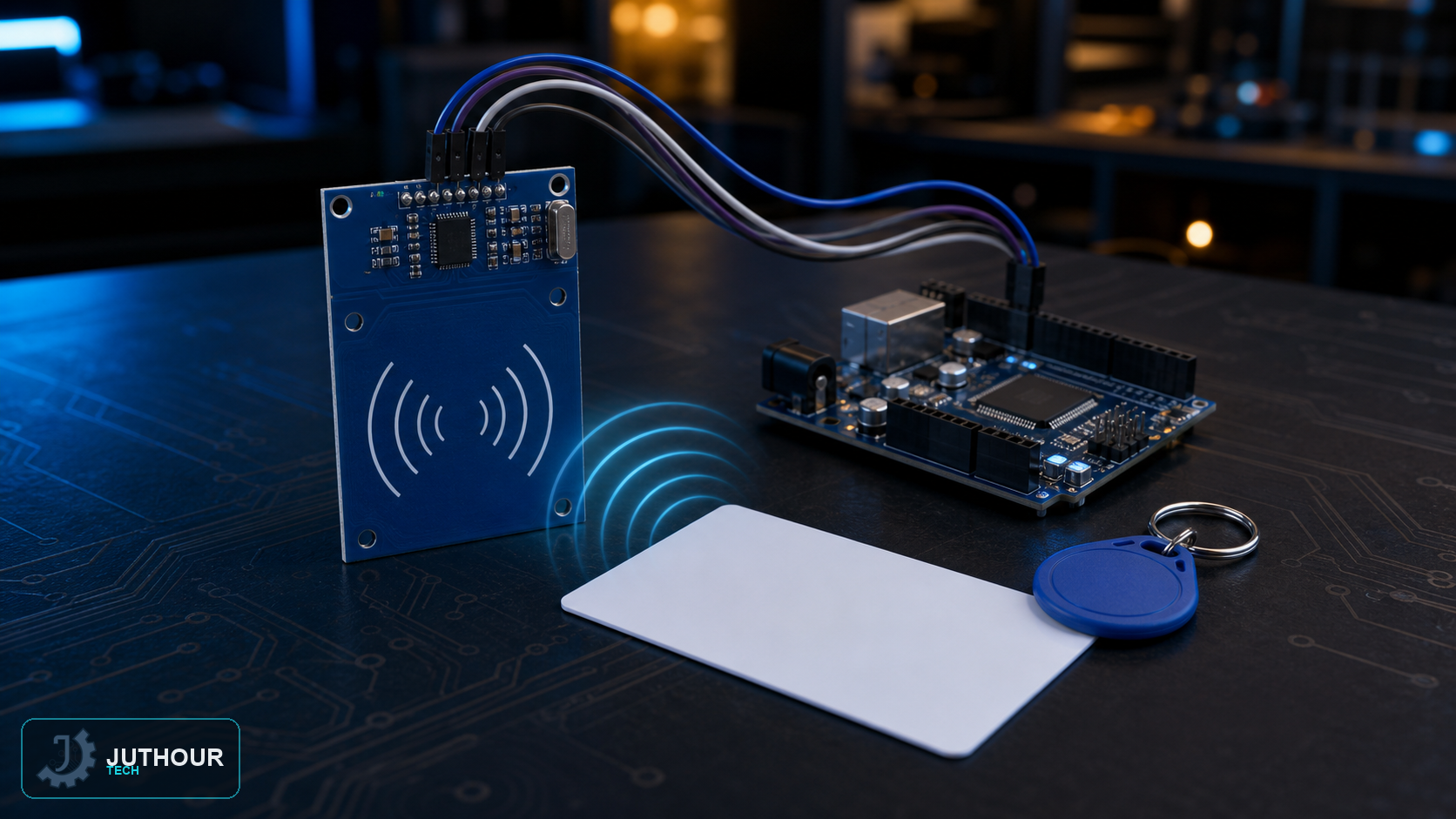
Contactless access cards, transit passes, and asset tags almost all rely on the same underlying idea: RFID, and the MFRC522 module is the cheapest, most common way to add that capability to an Arduino project.
How RFID works
The reader generates a short-range electromagnetic field; when a tag — a small chip paired with an antenna, carrying no battery of its own — enters that field, it draws enough power from it to transmit its stored identifier back to the reader. Every tag carries a unique ID, which is what makes card-based access control possible.
Module specifications
The MFRC522 operates at 3.3V only and reads at a 13.56MHz frequency, communicating with the microcontroller over the SPI protocol. It's inexpensive, and the standard kit typically bundles a card and a keychain tag for testing.
Wiring and reading a card
Beyond the shared SPI lines (MOSI, MISO, SCK), the module needs its SDA (chip select) and RST (reset) pins connected to two free digital pins on the Arduino. With the MFRC522 library's example sketch loaded, holding a card or tag near the reader prints its unique ID to the Serial Monitor.
Building access control
Each card carries 1024 bytes of memory divided into sectors, each protected by its own key — enough room to store more than just an ID if a project needs it. For a basic access-control setup, though, comparing the scanned UID against a list of known-good IDs stored in the code is enough to decide whether to unlock a door or trigger an alert.
You can find the MFRC522 RFID reader module and matching tags at Juthour Tech.
اترك تعليقا