
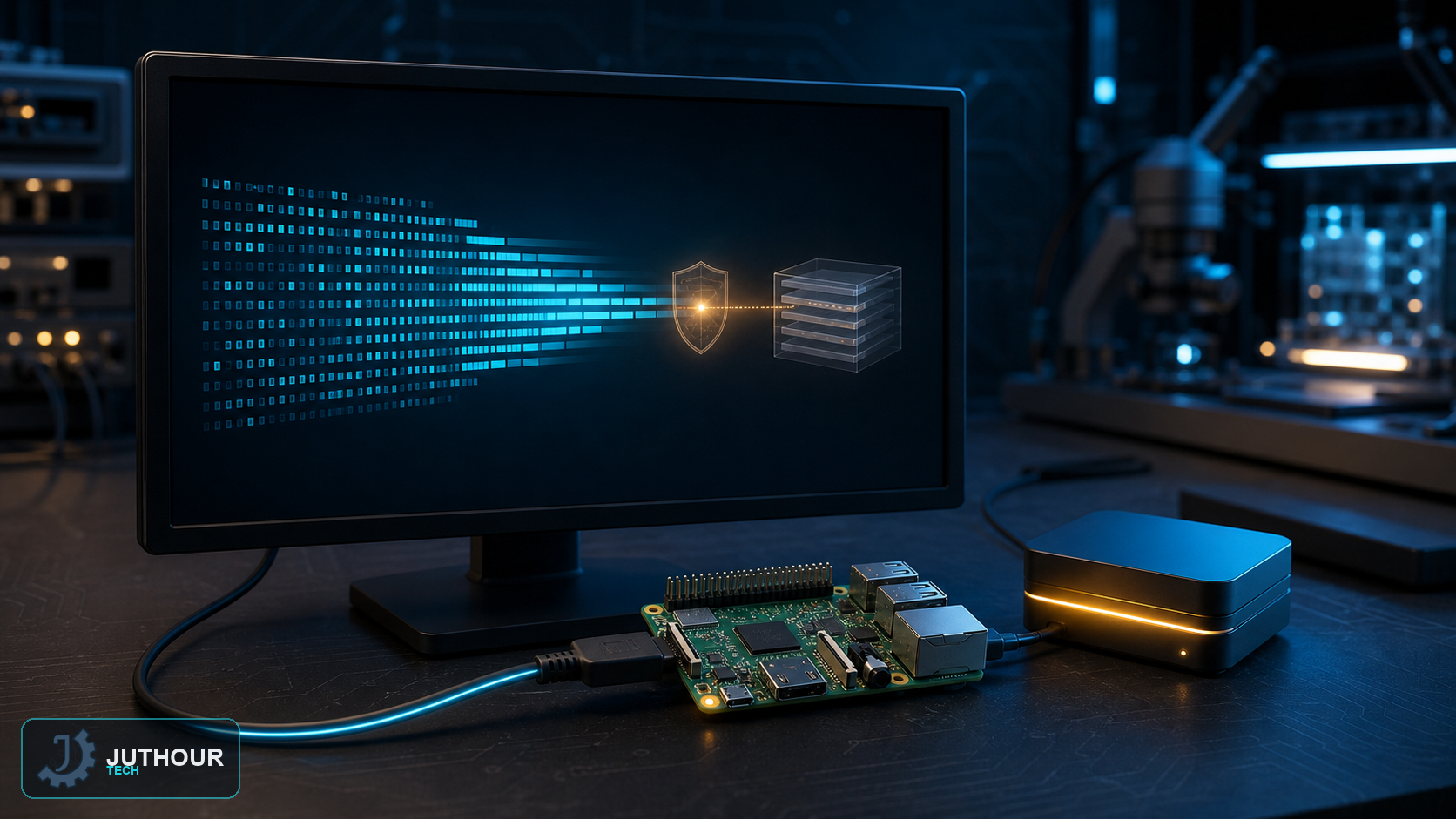
Keeping Raspberry Pi OS updated delivers security fixes, stable firmware, kernel updates, and application patches. Back up important data first and ensure adequate free space, stable power, and a reliable network.
Update the current release
sudo apt update
sudo apt full-upgrade
The first command refreshes package indexes. Raspberry Pi recommends full-upgrade because dependencies can change more often than on standard Debian. Review the package list and required space, then reboot if the kernel or firmware changed.
Do not use experimental firmware routinely
rpi-update is intended for pre-release firmware testing or a specific fix recommended by Raspberry Pi engineers. It is not a replacement for normal APT maintenance.
Major-version upgrades
Updating within a release is different from moving to a new major Raspberry Pi OS version. The documented safe path is generally to back up and install a fresh current image rather than rely on an untested in-place upgrade. Test project libraries and services before migration.
اترك تعليقا