
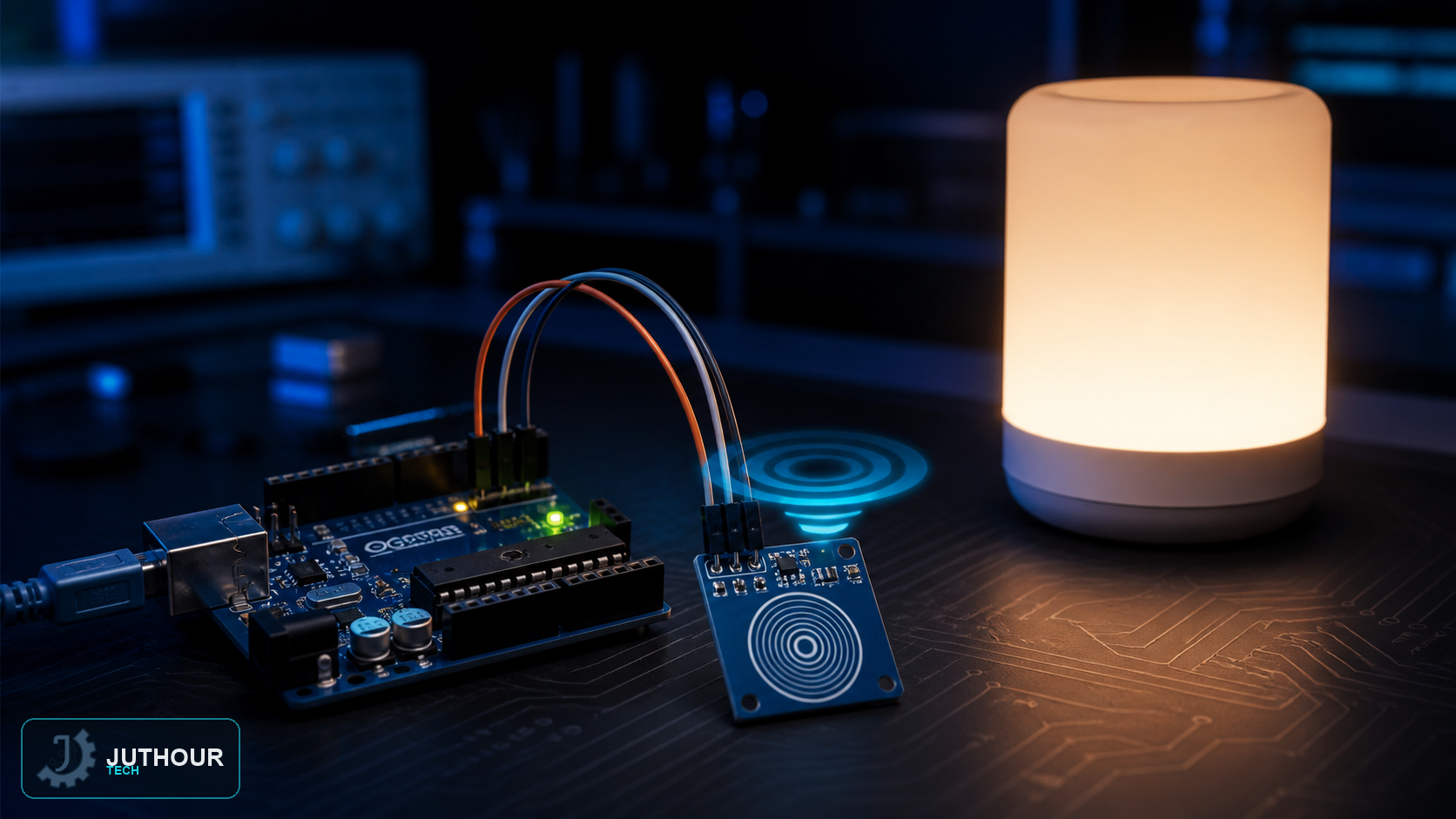
The TTP223B capacitive touch sensor lets you replace traditional mechanical buttons with a simple fingertip tap, a practical choice for modern control interfaces that want a clean look with no protruding buttons, and it pairs easily with a relay module to control an electrical load.
Components needed
An Arduino Uno board, a TTP223B touch sensor module, a relay module such as the KY-019 or equivalent, and connecting wires.
Wiring it up
The touch sensor's output connects to digital pin 9, the relay module connects to digital pin 2, and the electrical load (such as a small lamp) connects to the relay's terminals.
How it works
The code works on toggle logic rather than direct on/off: it keeps two variables tracking the sensor's current and previous state, and when it detects the reading transition from LOW to HIGH — that is, exactly the moment of the touch itself — the relay's state flips between on and off. This way, a single touch behaves like a full toggle-button press, instead of keeping the load powered only for as long as the finger stays on the sensor.
You can find the TTP223B touch sensor and relay modules at Juthour Tech.
اترك تعليقا