
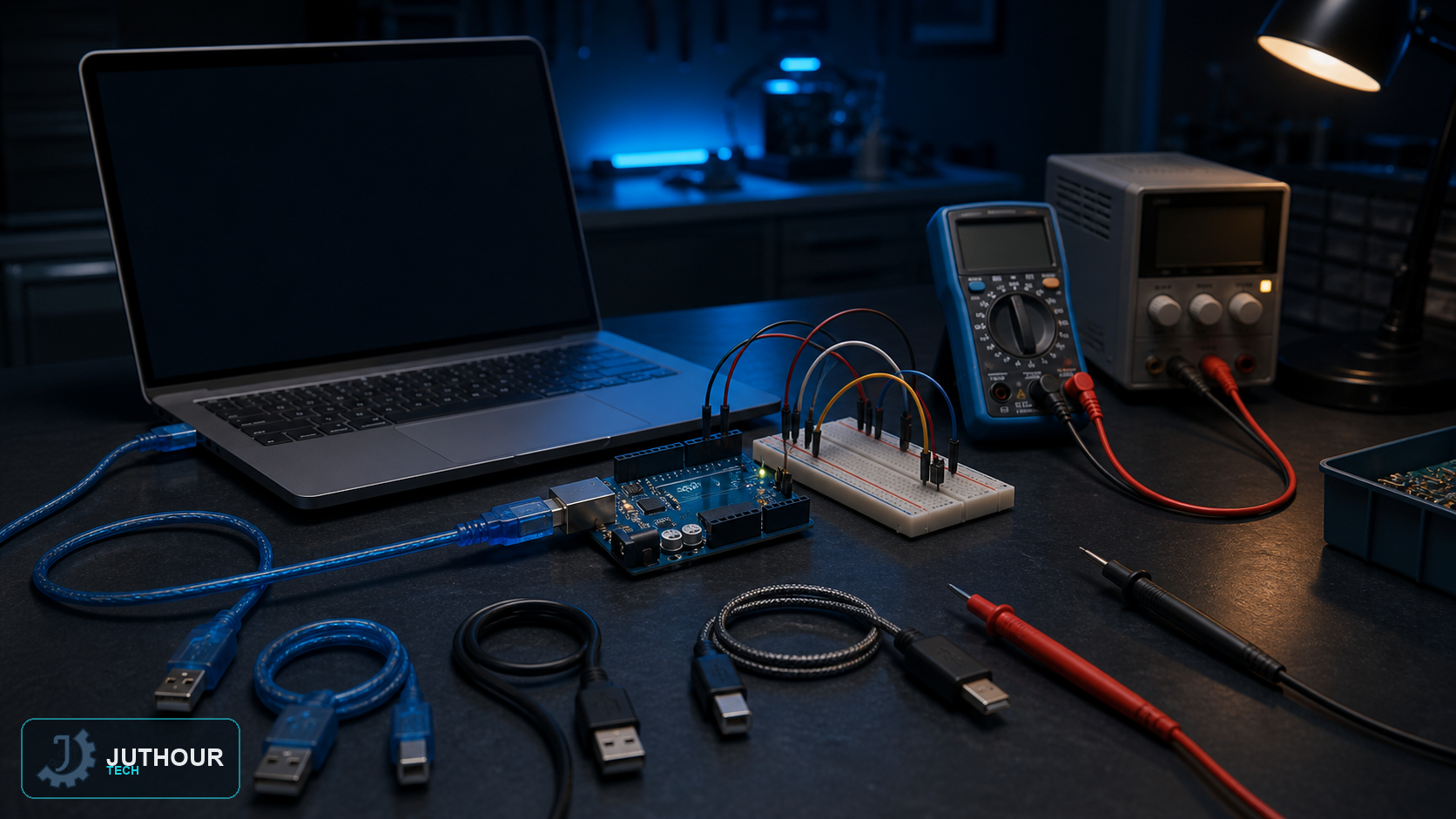
Most beginner upload problems can be isolated without changing the sketch. Work from the physical connection towards the software configuration and change one thing at a time.
Board not detected
Use a known data-capable USB cable; many charging cables contain no data wires. Connect directly to the computer, try another USB port and check whether a new serial device appears when the board is plugged in. The official Uno Rev3 uses an ATmega16U2 USB-to-serial interface. Some third-party boards use CH340-family or other USB bridge chips and may need the correct vendor driver.
Select the physical board and its port
Arduino IDE needs both selections. The board profile controls compilation and upload protocol; the port identifies the connected device. If the Port menu is absent in IDE 2, the operating system has not exposed a serial port, so investigate the cable, driver and device connection first.
Upload and avrdude errors
Verify the sketch, then read the detailed console output. Disconnect shields and jumper wires during diagnosis, especially anything connected to RX/TX pins 0 and 1 on classic AVR boards. Close external serial programs and confirm the selected board is not a similarly named but different model.
Runs on USB but fails on an adapter or battery
This is usually a power-integrity problem, not serial data disturbing the bootloader. Measure the supply under load, confirm polarity and voltage range, share the ground correctly and check the current demanded by sensors and actuators. Motors and servos should not be powered directly from a small regulator on the Arduino board.
If the IDE itself fails
Use the current Arduino IDE 2.x release and update the board package. Legacy Launch4j/JRE workarounds apply to old IDE 1.x installations and should not be treated as a modern fix. If the current IDE is damaged, reinstall it and its board package rather than disabling unrelated wireless hardware.
اترك تعليقا