
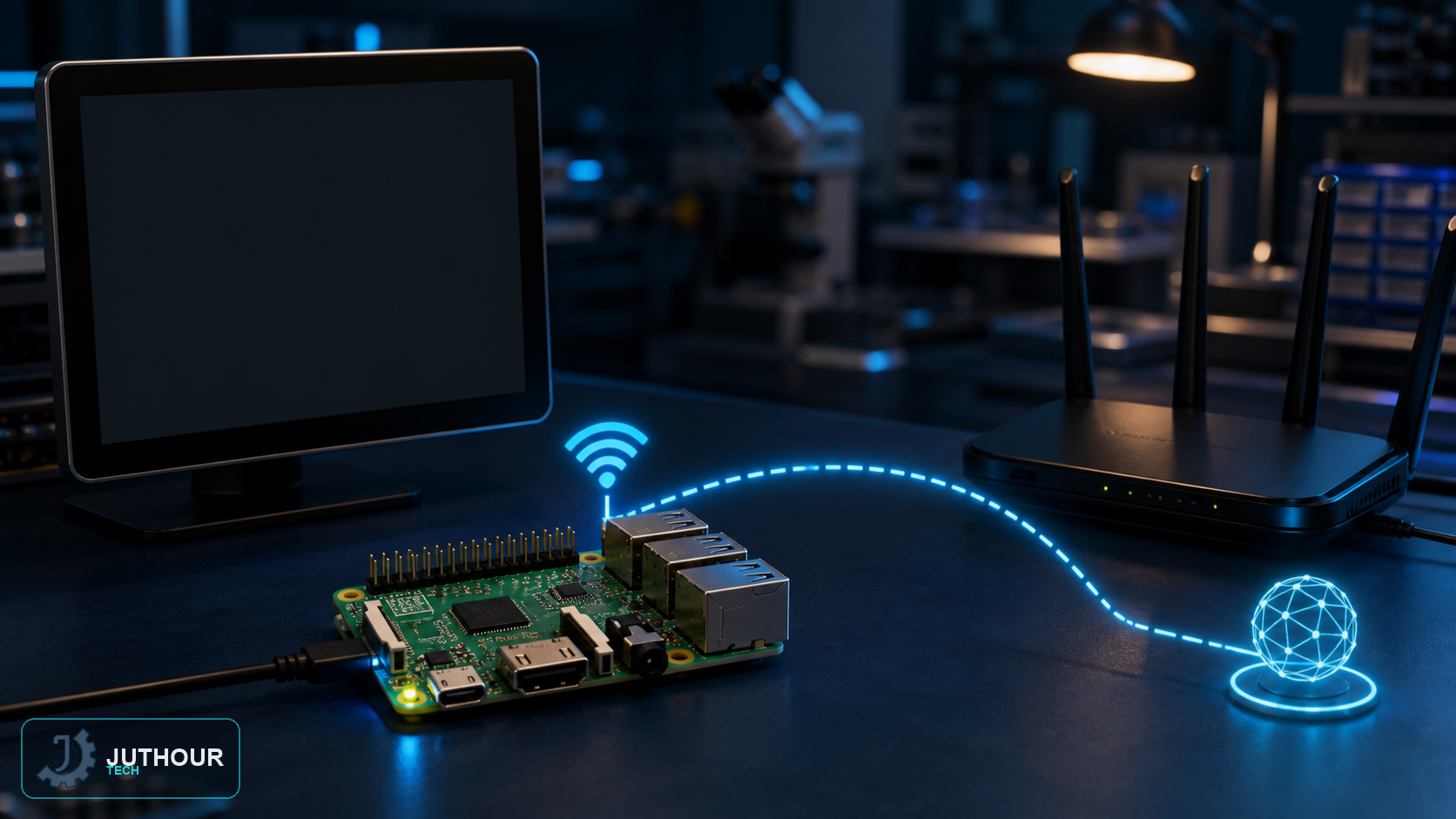
A server, controller or data logger is easier to reach when its address remains stable. On current Raspberry Pi OS releases, NetworkManager manages networking; older instructions that edit /etc/dhcpcd.conf should not be applied blindly to Bookworm or later.
Recommended method: reserve the address on the router
A DHCP reservation associates the Raspberry Pi MAC address with one IP address in the router. The Pi still uses DHCP, while the router guarantees the same address and prevents accidental conflicts. This keeps gateway and DNS changes centralised and is the preferred method when you control the router.
Inspect the active NetworkManager profile
nmcli connection show --active
nmcli device status
Note the exact connection name. It is not always identical to the interface name.
Configure a static IPv4 address on the Pi
Use values that match your network and choose an address outside the router's dynamic pool. The following is only an example:
sudo nmcli connection modify "My WiFi" `
  ipv4.method manual `
  ipv4.addresses 192.168.1.50/24 `
  ipv4.gateway 192.168.1.1 `
  ipv4.dns "1.1.1.1 8.8.8.8"
sudo nmcli connection up "My WiFi"
Verify and recover
ip -4 address
ip route
nmcli connection show "My WiFi"
Keep local console or Ethernet access available while changing a remote WiFi profile. If the values are wrong, restore automatic addressing with sudo nmcli connection modify "My WiFi" ipv4.method auto and reactivate the connection.
اترك تعليقا