
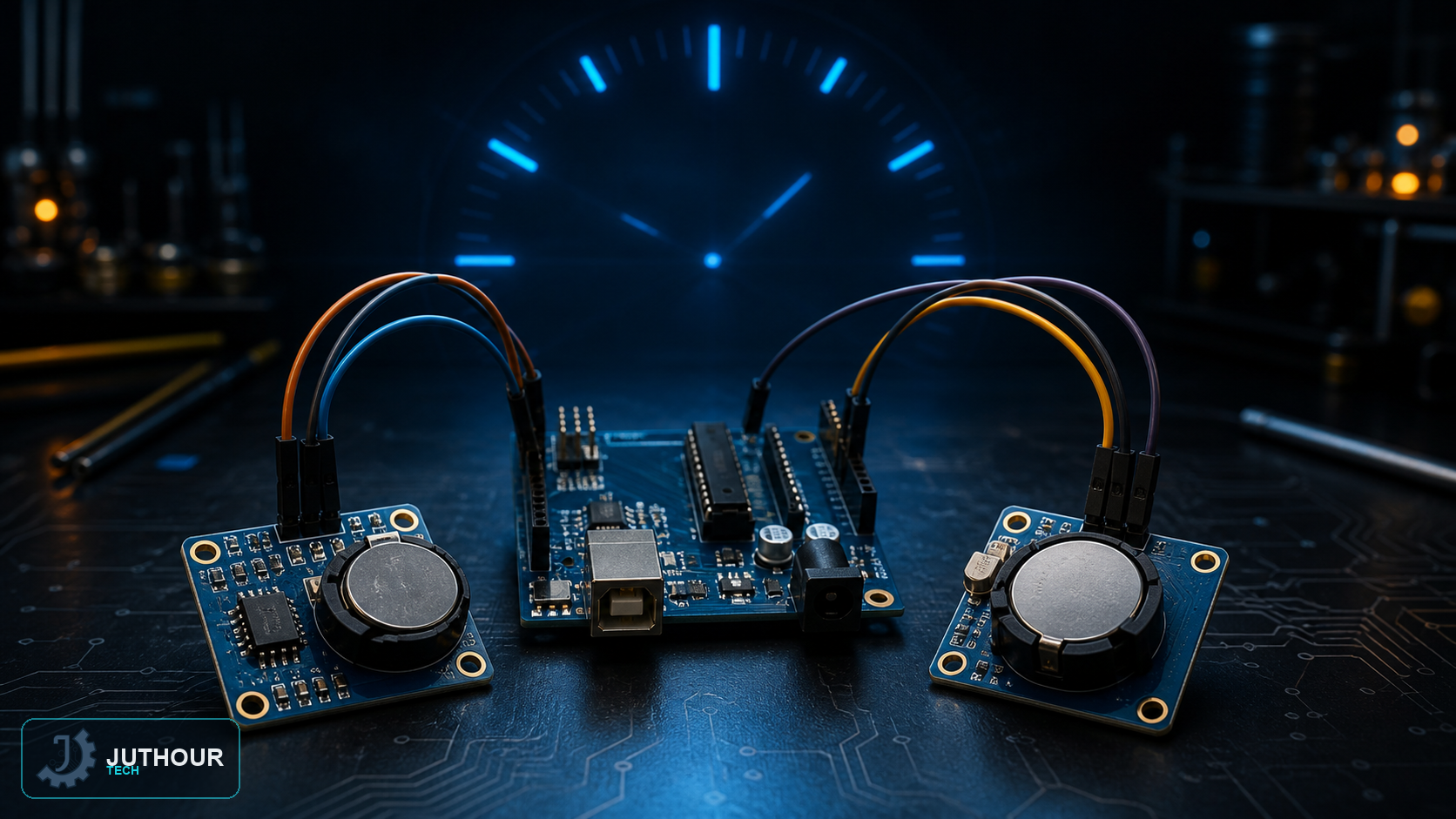
Arduino has no inherent sense of the actual time and date — it starts counting from zero every time it powers up. To solve this, a real-time clock (RTC) module such as the DS1307 is used, which keeps accurate time continuously thanks to a small built-in backup battery that keeps it running even when main power is disconnected.
Components needed
An Arduino Uno board, a DS1307 RTC module (or an equivalent from this family of modules), and connecting wires.
Wiring it up
The DS1307 module communicates with the Arduino over the I2C protocol, which needs only two data wires: SCL connects to analog pin A5, and SDA connects to analog pin A4, in addition to the 5V and ground power pins.
How it works
The code relies on the Wire library to manage I2C communication, with dedicated functions converting regular decimal numbers into the BCD (binary-coded decimal) format the module requires internally for handling time and date. The time is set once during initial setup, after which the module keeps tracking it independently thanks to its backup battery, while the main code loop simply reads the current time and date from the module and prints them to the serial monitor once every second.
Why isn't Arduino enough on its own?
Arduino can calculate elapsed time since it powered on using millis(), but this counter resets to zero on every restart or power loss, and it has no notion of the actual date or time at all. That's why an RTC module is essential in any project that needs an accurate timestamp that stays correct across repeated power cycles, such as data-logging systems and scheduled irrigation timers.
You can find RTC modules at Juthour Tech.
اترك تعليقا