
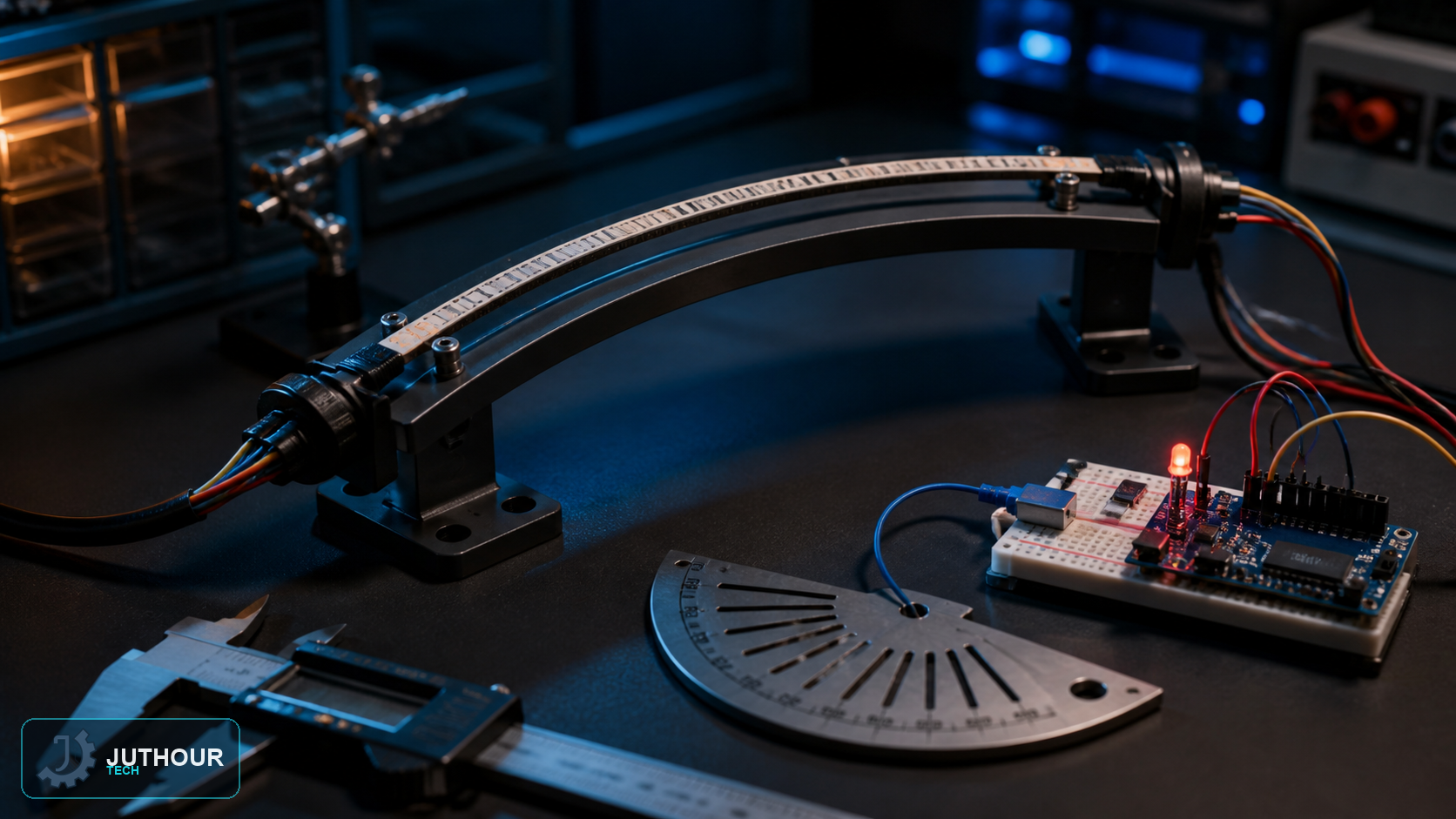
A flex sensor changes resistance as it bends. A common 2.2-inch part is about 5.6 cm long, not 7 cm, and other lengths and resistance ranges must be checked on the selected product sheet.
Wiring
Use a voltage divider; whether the reading rises or falls depends on which divider leg contains the sensor. Use a suitable regulated supply rather than a 9 V PP3 unless the complete power design calls for it.
Calibration
Record the straight value and several known bends within the permitted radius. Do not sharply bend the lead area and provide strain relief at the connector.
Comparison with an FSR
A flex sensor indicates bending, while an FSR responds to force at a contact point. Both are nonlinear and need calibration in the real mechanical assembly.
Engineering review: verify the library version, module operating voltage, and the actual board pinout before wiring; visually similar breakout boards can differ.
اترك تعليقا