
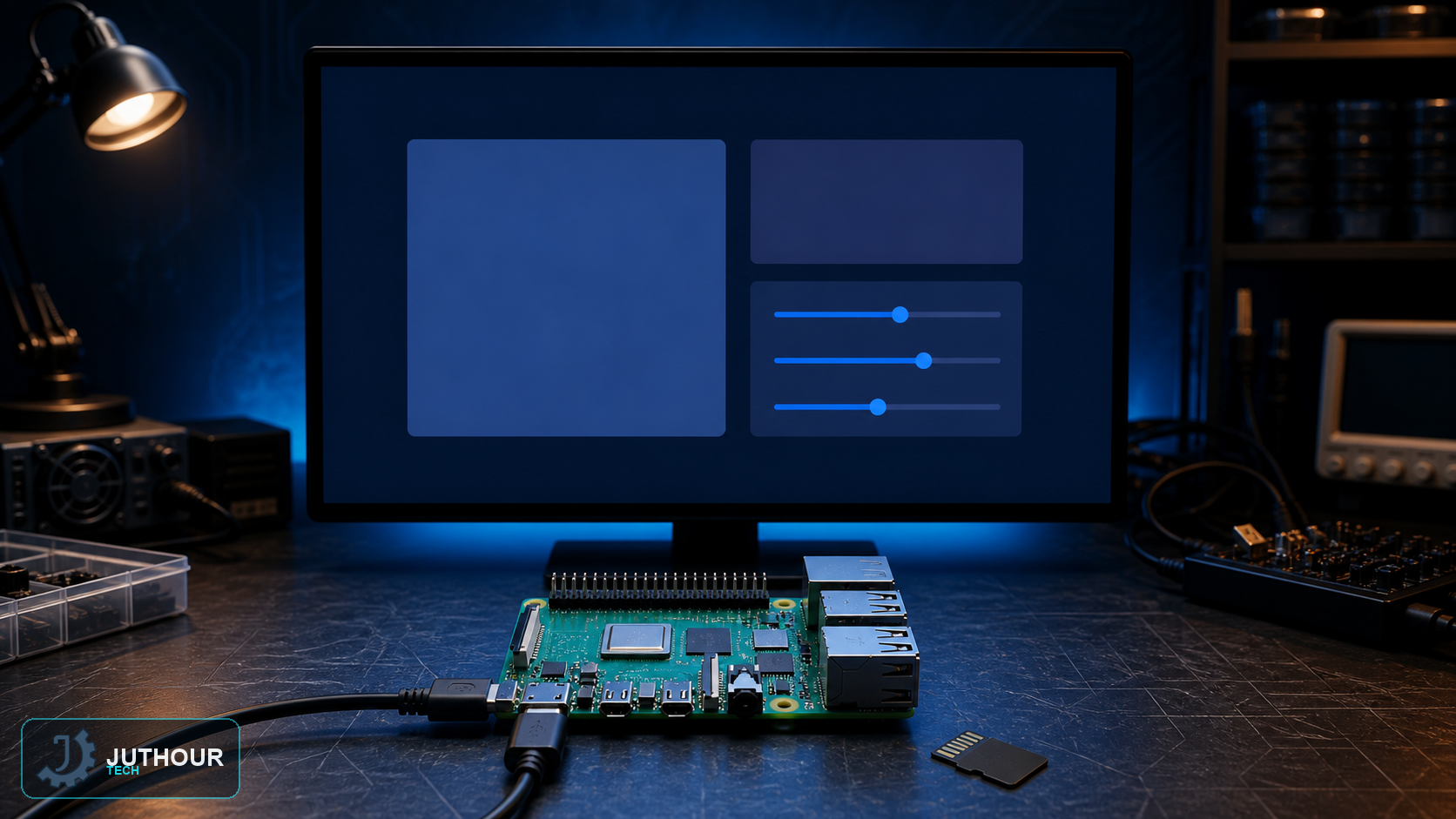
Modern Raspberry Pi setup begins in Raspberry Pi Imager, where you can choose the hostname, locale, user account, network, and remote-access options before first boot.
Finish the essential configuration
If you skipped Imager customisation, use the desktop setup wizard or run sudo raspi-config. Set the locale, timezone, keyboard, and hostname, then enable only the interfaces required by the project, such as I²C or SPI.
Accounts and remote access
Do not assume a universal default username or password. Create your own credentials and prefer SSH keys. SSH remains disabled unless you enable it in Imager or system settings, and it should not be exposed directly to the public internet.
Updates and power
Back up important data before maintenance, use a power supply matched to the exact Raspberry Pi model, monitor undervoltage warnings, and run sudo shutdown -h now before disconnecting power.
df -h before following older expansion instructions.The board is now ready for development tools and sensor projects.
اترك تعليقا