
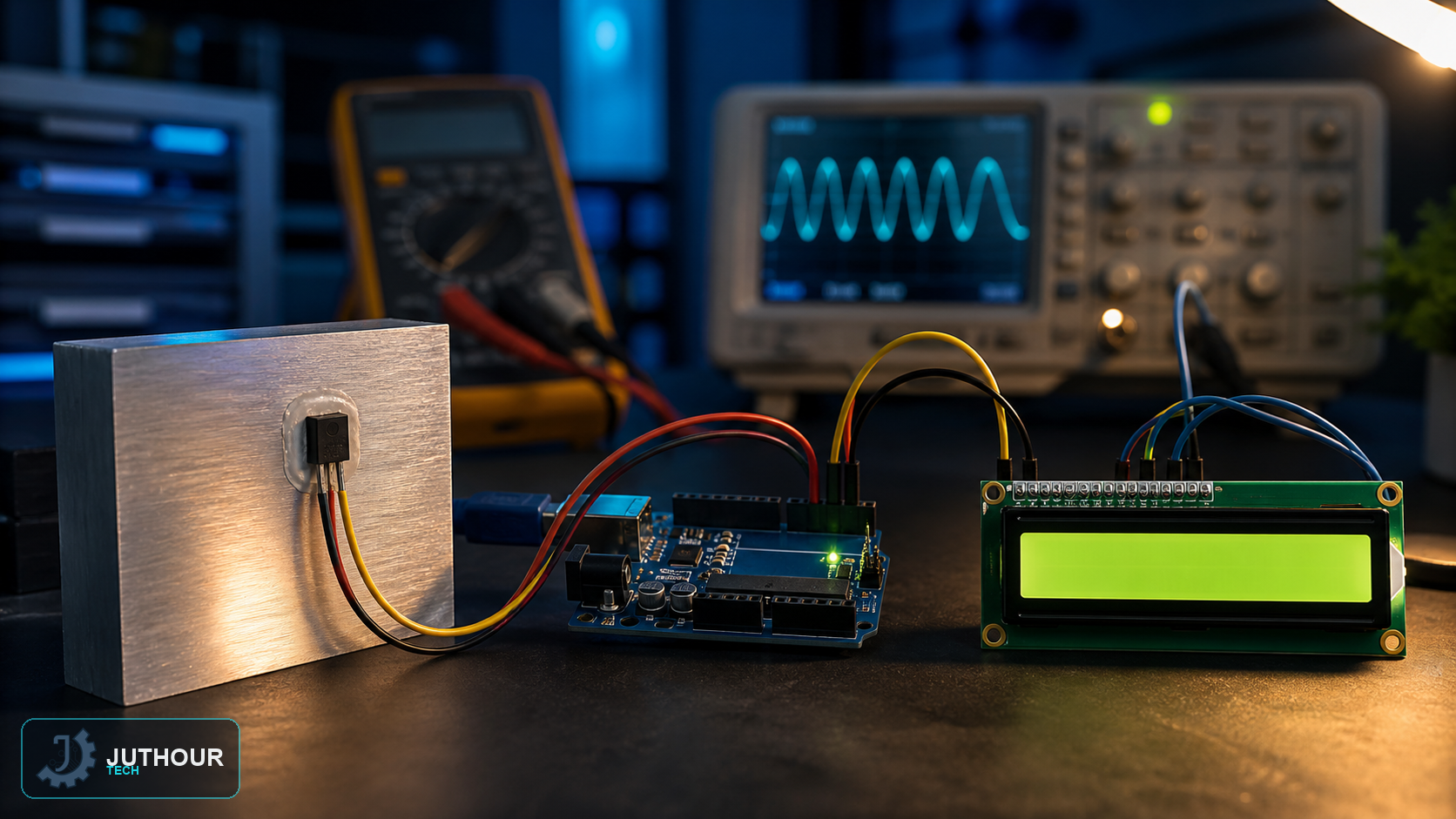
Our earlier LM35 article covered the sensor's basics with readings printed to the Serial Monitor; this project shows the same temperature reading directly on an LCD screen, useful once a project needs to stand on its own without a computer connected.
Components needed
An Arduino Uno, an LM35 analog temperature sensor, a 16x2 LCD display (direct-wired or via an I2C adapter), and connecting wires.
Wiring it up
The LM35's analog output connects to one of Arduino's analog input pins, alongside its power and ground pins. The LCD connects following whichever wiring scheme its specific module needs.
Programming it
The LM35 output is approximately 10 mV per degree Celsius. Convert ADC codes using the measured reference voltage and converter resolution rather than assuming a perfect 5.000 V rail. Averaging and comparison with a reference thermometer can reduce noise and offset error.
Adding a Fahrenheit option
Since the LCD has two lines, a common addition is printing the Celsius value on the first line and the Fahrenheit equivalent — using the standard (celsius × 1.8) + 32 formula — on the second, giving both units at a glance without any extra hardware.
You can find LM35 sensors and LCD displays at Juthour Tech.
اترك تعليقا