
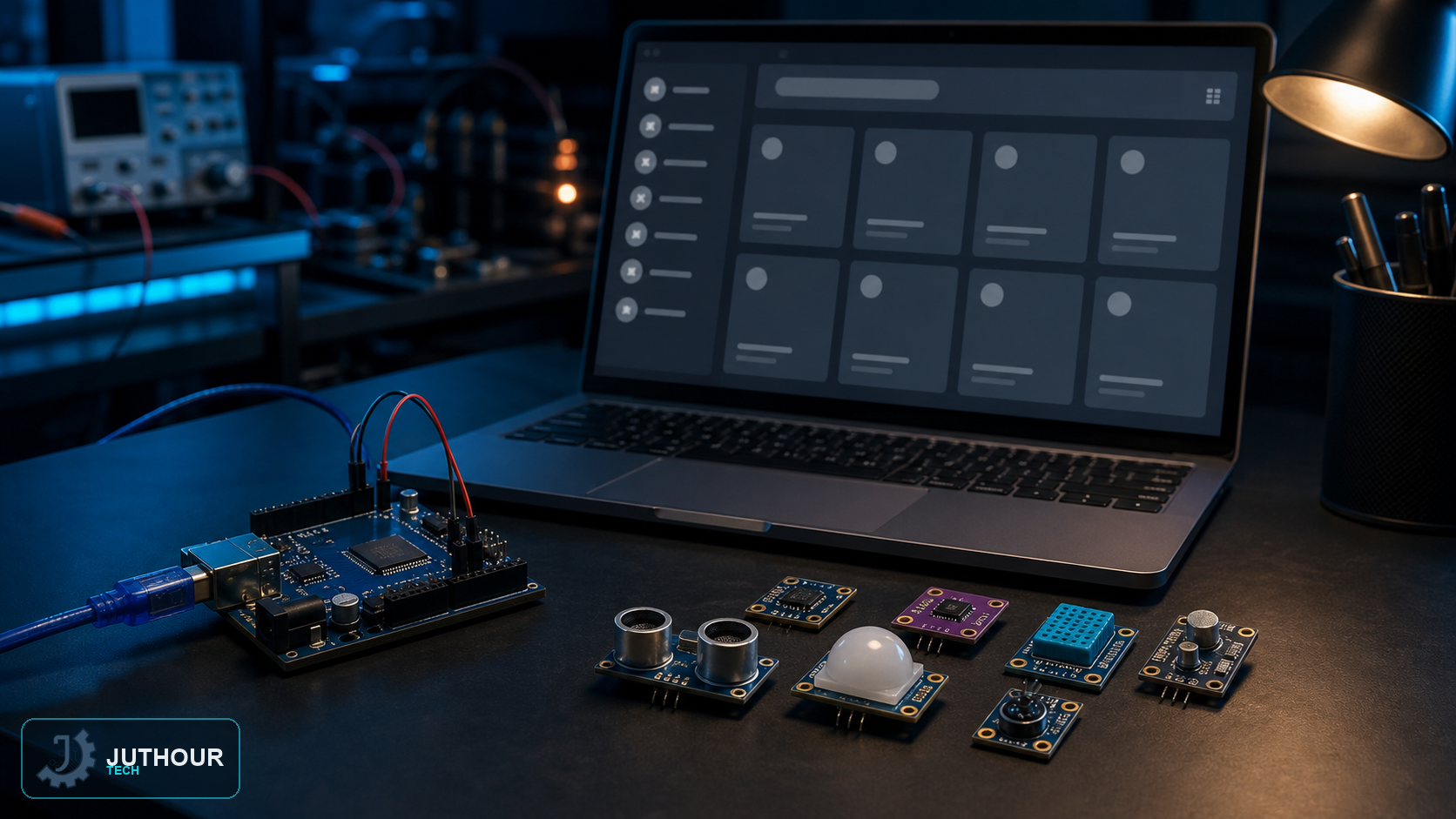
A library packages code, examples, and metadata for a device or protocol. In Arduino IDE 2, prefer trusted libraries that explicitly support the target board architecture.
Library Manager
Open Library Manager from the sidebar, search for the component, and review author, version, architectures, and dependencies before Install. If several libraries share a name, follow the component documentation or official example.
ZIP installation
Use Sketch > Include Library > Add .ZIP Library for a trusted release from its publisher repository. Avoid nested duplicate library folders and conflicting versions.
Verification
Restart the IDE if necessary, compile a minimal example, select the correct board and port, and resolve dependency or architecture warnings rather than ignoring them.
Engineering review: verify the library version, module operating voltage, and the actual board pinout before wiring; visually similar breakout boards can differ.
اترك تعليقا