
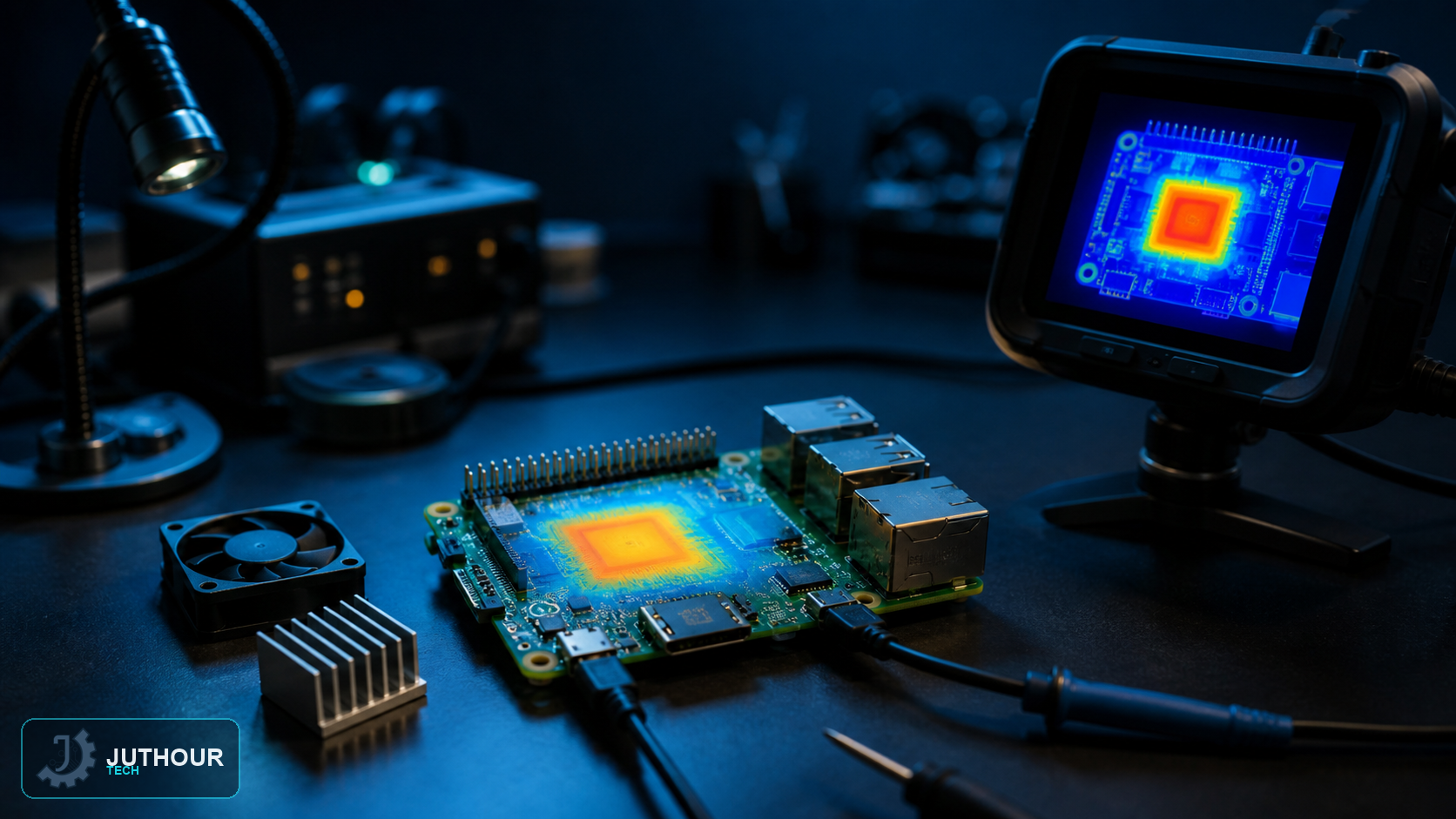
Raspberry Pi boards include internal temperature monitoring, so you can check thermal conditions without adding an external sensor. The useful measurement is the current SoC temperature together with evidence of throttling or undervoltage.
Read the current temperature
The firmware utility gives a direct instantaneous reading:
vcgencmd measure_tempLinux also exposes a thermal-zone value in thousandths of a degree Celsius:
cat /sys/class/thermal/thermal_zone0/tempDivide that integer by 1000. To watch the firmware reading continuously during a stress test, use:
watch -n 1 vcgencmd measure_tempCheck throttling and power events
Temperature alone does not explain every slowdown. Run vcgencmd get_throttled to inspect the bit mask for current or historical undervoltage, frequency capping and throttling. A non-zero result should be decoded against the official bit definitions rather than treated as a generic temperature alarm.
What temperature is acceptable?
Thermal behaviour varies with the Raspberry Pi model, firmware and workload. The system protects itself by reducing performance near its thermal limits. Short peaks are different from continuous operation at the limit; for a server or control system, monitor the trend under the real enclosure and ambient conditions.
Improve cooling without masking power faults
Start with free airflow and a case that does not trap heat. Add a suitable heatsink or official active cooling solution for sustained loads. At the same time, use a correctly rated power supply and cable, because undervoltage can look like a thermal-performance problem even when the board is cool.
اترك تعليقا