
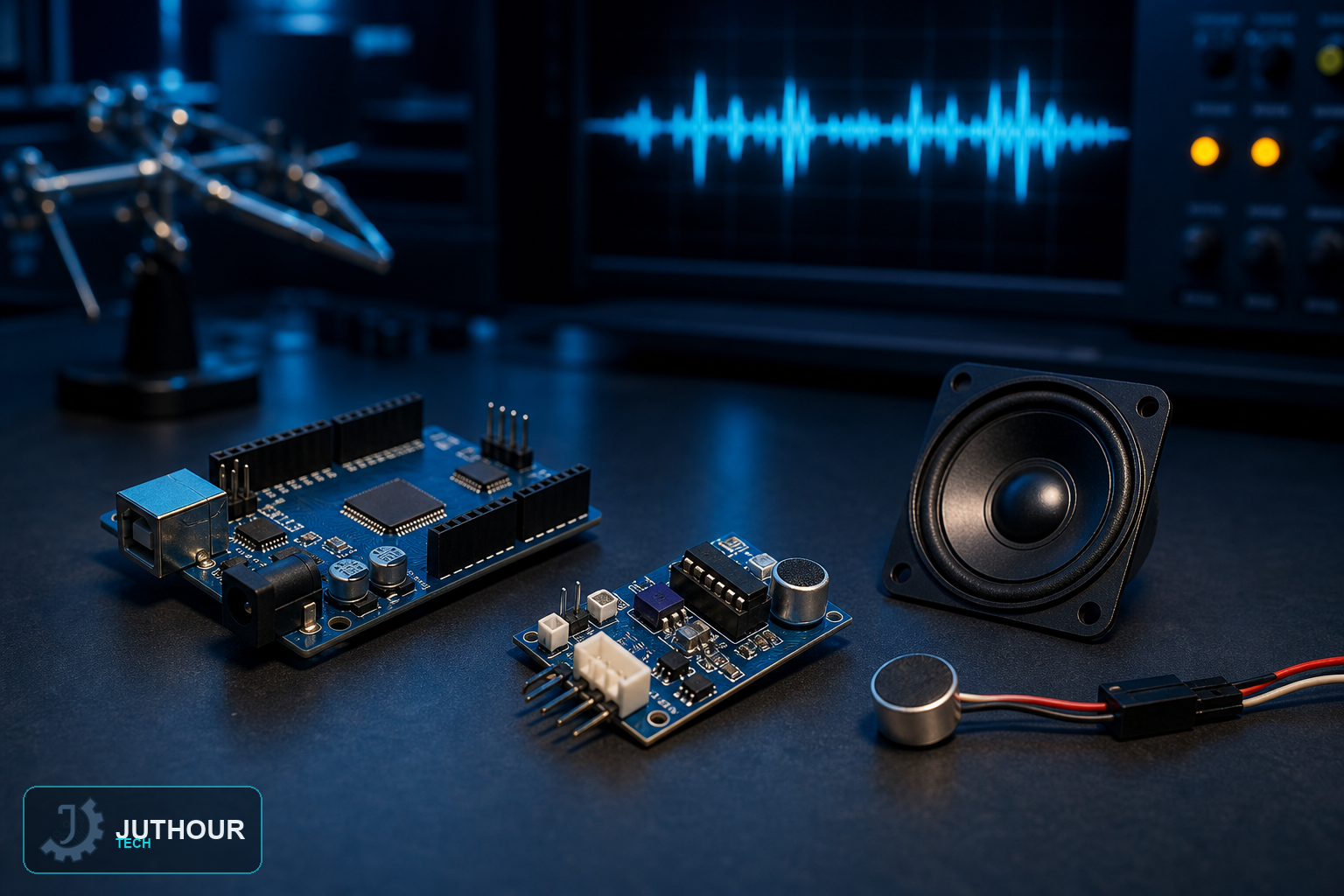
The ISD1820 packs an entire voice-recording circuit — microphone, memory, amplifier, and speaker driver — onto one small board, letting Arduino record a short voice message and play it back without any audio-processing code of its own.
How it works
The module's onboard chip captures sound through its built-in microphone and stores it directly as an analog voice recording, then reproduces that same recording later through a connected speaker. Because the recording and playback logic lives entirely on the chip itself, Arduino's only job is telling it when to start and stop each action.
Components needed
An Arduino Uno, an ISD1820 voice recording module, a small 8Ω 0.5W speaker, and jumper wires.
Wiring it up
The module needs 5V power and ground, plus two control pins connected to Arduino digital pins — commonly 10 and 11 — one for triggering a recording and one for triggering playback. The speaker connects directly to the module's onboard speaker output.
Programming it
The sketch briefly drives the record pin HIGH for about five seconds to capture a message, then later drives the playback pin HIGH for a similar duration to play it back — both durations are easy to adjust in code depending on how long a message you need.
What it can and can't do
The chip itself holds around ten seconds of recording at maximum quality, which is enough for a short alert, greeting, or status message but not for long audio clips — for anything longer, you'd need a different storage approach entirely, like an SD card and a proper audio-playback library.
Where this is used
This kind of record-and-replay module fits doorbell-style greeting messages, simple voice alerts triggered by another sensor, interactive toy or prop sound effects, and quick voice-note reminders in a standalone project.
You can find ISD1820 voice recording modules at Juthour Tech.
اترك تعليقا