
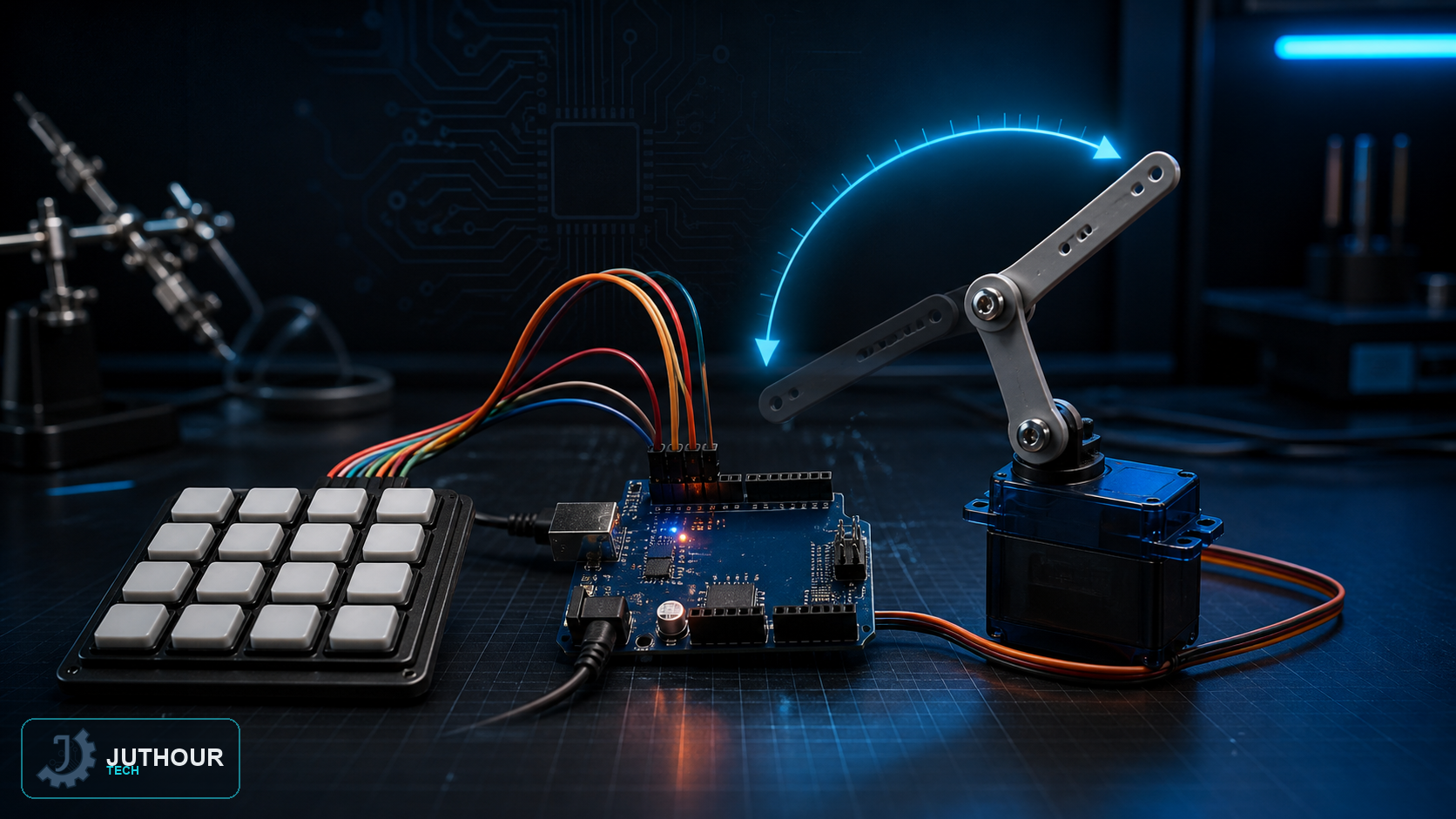
This project shows how to use a numeric keypad to control a servo motor's rotation angle precisely, by typing the angle number directly instead of approximate control with buttons or a potentiometer.
Components needed
An Arduino Uno board, a 4x4 membrane keypad, an SG90 servo motor with 180-degree rotation, and connecting wires.
Wiring it up
The keypad's four rows connect to digital pins 11, 10, 9, and 8, while its four columns connect to pins 7, 6, 5, and 4. The servo's control pin connects to digital pin 3, powered from the Arduino's 5V and ground pins.
How it works
The code relies on the Keypad library to read button presses, and asks the user to enter three consecutive digits to form an angle from 0 to 180 degrees: the first digit is multiplied by 100, the second by 10, and the third by 1, then the three results are summed to get the full angle. After the three digits are entered, the result is sent directly to the servo via servo.write(). The code checks that the final value doesn't exceed 180 degrees, and if a non-numeric key (such as a letter key on the pad) is pressed, or the angle exceeds the maximum, the input resets and the user is asked to start over.
You can find membrane keypads and SG90 servo motors at Juthour Tech.
اترك تعليقا