
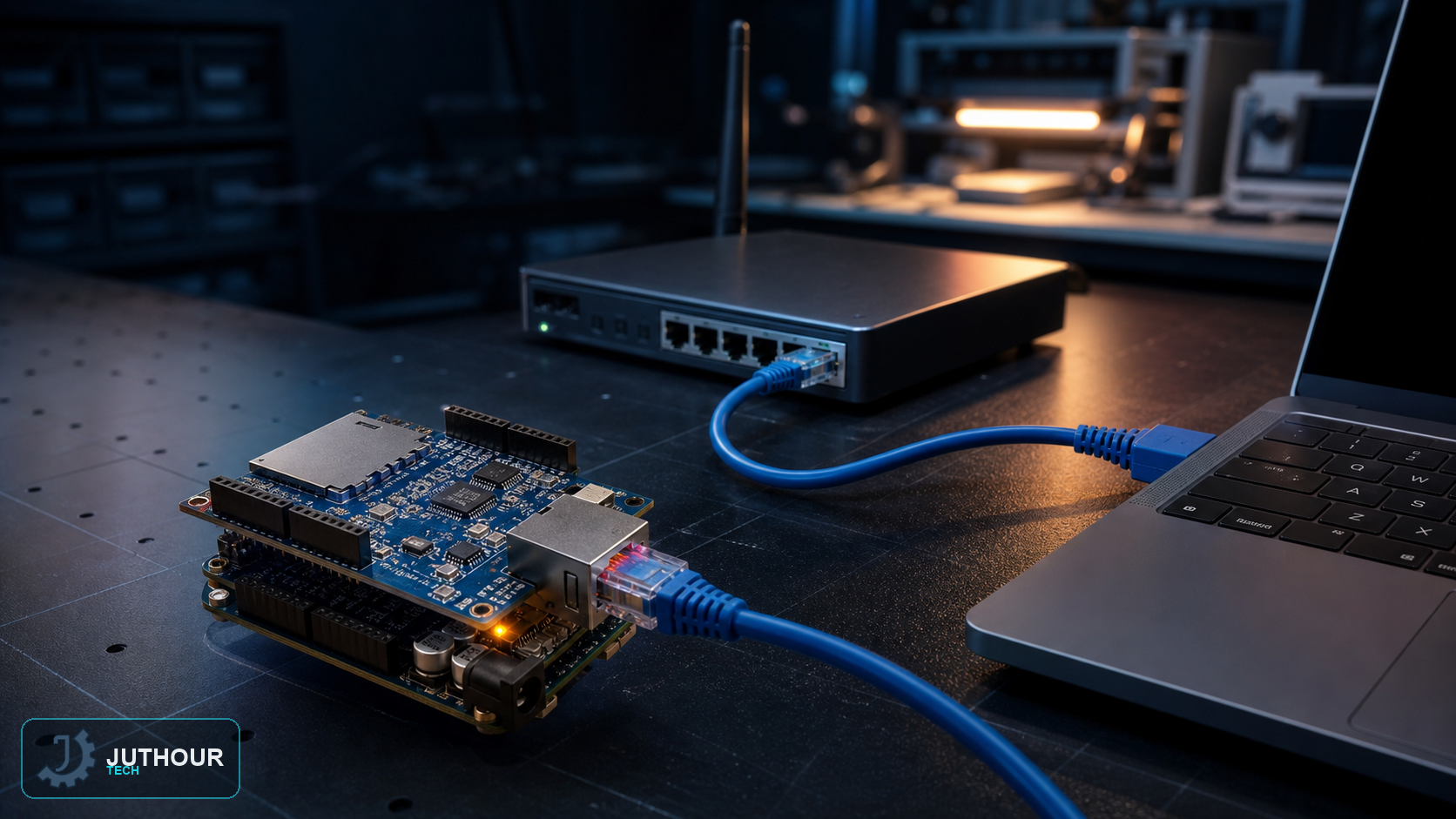
The W5100 gives Arduino a wired Ethernet connection over SPI. Wired networking can be stable on a local network, but it is not encrypted or inherently secure.
Wiring
A shield routes SPI and chip select according to the target board; for a loose module, verify pinout and logic voltage. A built-in SD socket normally has a separate CS line that must be kept inactive when unused.
Addressing and testing
Start with DHCP where available or choose a conflict-free static address. Run a basic Ethernet example and verify local connectivity before adding control logic.
Security
A simple HTTP server is unencrypted. Do not expose it directly to the internet or send secrets through it; use an authenticated secure gateway or isolated network for a real installation.
Engineering review: verify the library version, module operating voltage, and the actual board pinout before wiring; visually similar breakout boards can differ.
اترك تعليقا