
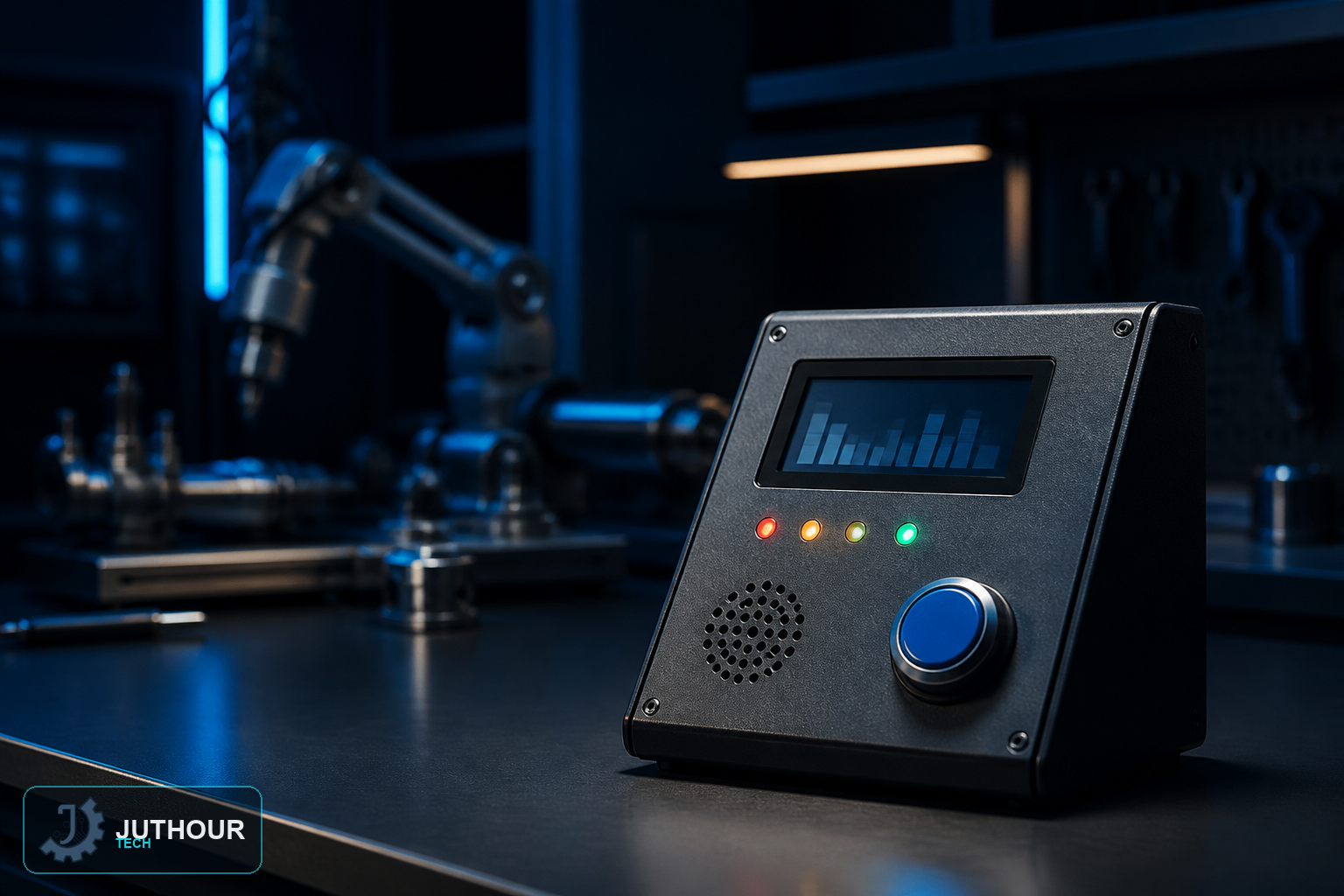
Create a reusable quiz console with debounced input, bounded question data, scoring, and accessible feedback instead of blocking delays.
Prototype objective
This project focuses on measurement, state logic, feedback, and a low-voltage bench prototype that can be tested safely before any more advanced application is considered.
Suggested components
An Arduino Uno, a 16x2 I2C LCD (address 0x27), a push button, a buzzer, a yellow LED, a breadboard, and jumper wires.
Wiring and implementation
The button connects to pin 2, the buzzer to pin 3, the LED to pin 4, and the LCD uses I2C wiring at address 0x27.
Use a regulated supply and common ground, drive loads through suitable interface stages, add flyback protection for inductive loads, and condition logic levels where required.
Test plan
Verify every question and answer, debounce the control, prevent array overrun, and test font size, contrast, timing, and alternative feedback.
Use limitations
Question quality, language, accessibility, and feedback matter as much as the circuit. Avoid penalizing slower interaction and provide alternatives to sound-only or color-only cues.
Next step
Document the schematic, library versions, measurements, and failure cases before extending the prototype, and consult qualified specialists and applicable standards whenever safety, health, vehicles, or industrial equipment are involved.
اترك تعليقا