
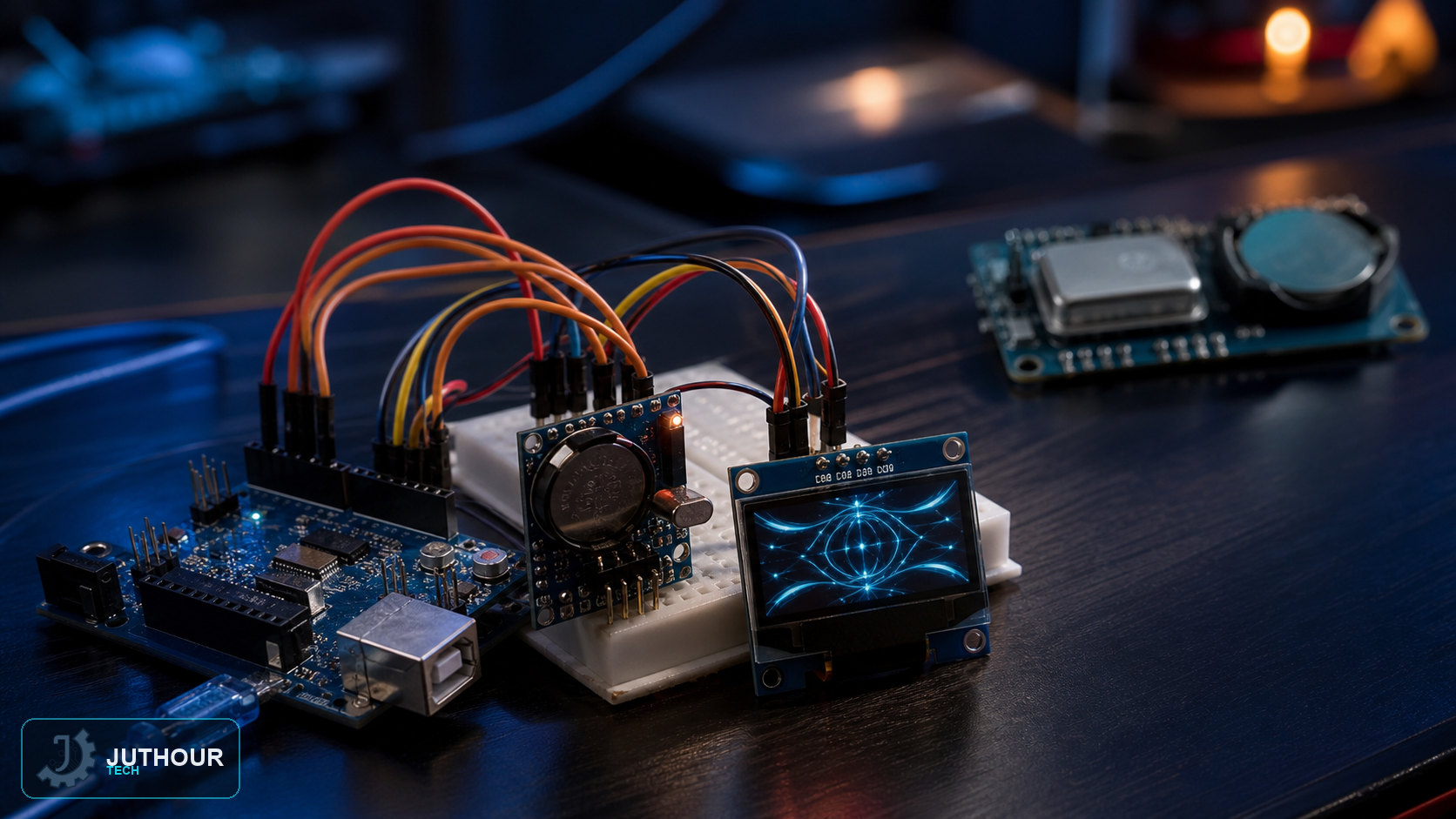
A DS1307 real-time clock module paired with a small OLED screen turns Arduino into a standalone digital clock that keeps accurate time even when it's unplugged — no computer or internet connection needed to set or maintain it.
Why a real-time clock module
The DS1307 maintains time through a power interruption, but it is not a high-accuracy RTC and may drift more than a DS3231. It is suitable for learning or tolerant applications; choose a temperature-compensated device when tighter timekeeping is needed.
Components needed
An Arduino Uno, a DS1307 RTC module (with its CR2032 backup battery installed), a 0.96-inch I2C OLED display, and jumper wires.
Wiring it up
Both modules share the same I2C bus, so they connect in parallel: SDA to Arduino's A4, SCL to A5, and both powered from 5V and ground. This is the same I2C bus setup we've covered before for both the DS1307 on its own and for OLED displays individually.
Setting the time
Compile time is not exactly upload time. Run the adjustment once and remove or guard it so every restart does not reset the clock. Inspect the module battery circuit: some boards charge an LIR2032 and must not be fitted with a non-rechargeable CR2032 while charging is enabled.
Displaying it
Once the DS1307 is running, the sketch reads the current hour, minute, second, and date from it on a loop and formats that into readable text drawn on the OLED using a graphics library like Adafruit_SSD1306 — commonly with a larger font for the time and a smaller line underneath for the date.
Where this builds on earlier projects
We've covered the DS1307 for logging timestamped sensor readings, and OLED displays on their own for showing sensor data. This project combines both into a purpose-built clock, which is a natural next step once you're comfortable with each part individually.
You can find DS1307 RTC modules and OLED displays at Juthour Tech.
اترك تعليقا